
MVPlayer Get the app
Press kit
MVPlayer app icon

MVPlayer

Everything you need to write about MVPlayer, the focused, native player for stereoscopic 3D, 180° and 360° video and the immersive video format. Every image on this page links to its full-resolution file and is free to use in coverage of MVPlayer.

Fact sheet

At a glance.

Name
MVPlayer
Developer
Morin Innovation, Niort, France
Current version
3.2.1 on the App Store
Next version
4.0, in public beta on TestFlight
Category
Photo & Video
Platforms
iPhone and iPhone Duo (iOS 26 or later)
iPad (iPadOS 26 or later)
Mac with Apple silicon (macOS 26 or later)
Apple Vision Pro (visionOS 26 or later)
Price
Free. No ads, no tracking.
Optional Full Access in-app purchase, $4.99 once (or local equivalent), no subscription.
Languages
English, Arabic, Chinese (Simplified), French, German, Italian, Japanese, Korean, Portuguese (Brazil), Spanish
Formats
HEVC, MV-HEVC stereoscopic 3D, 180° and 360°, the immersive video format, HLS streaming
Website
mvplayer.app
App Store
apps.apple.com/app/id6480077193
About

Step into immersive video.

MVPlayer is the focused, native player for stereoscopic 3D, 180° and 360° video, and the immersive video format, on every Apple device you own. One free download covers iPhone, iPhone Duo, iPad, Mac and Apple Vision Pro.

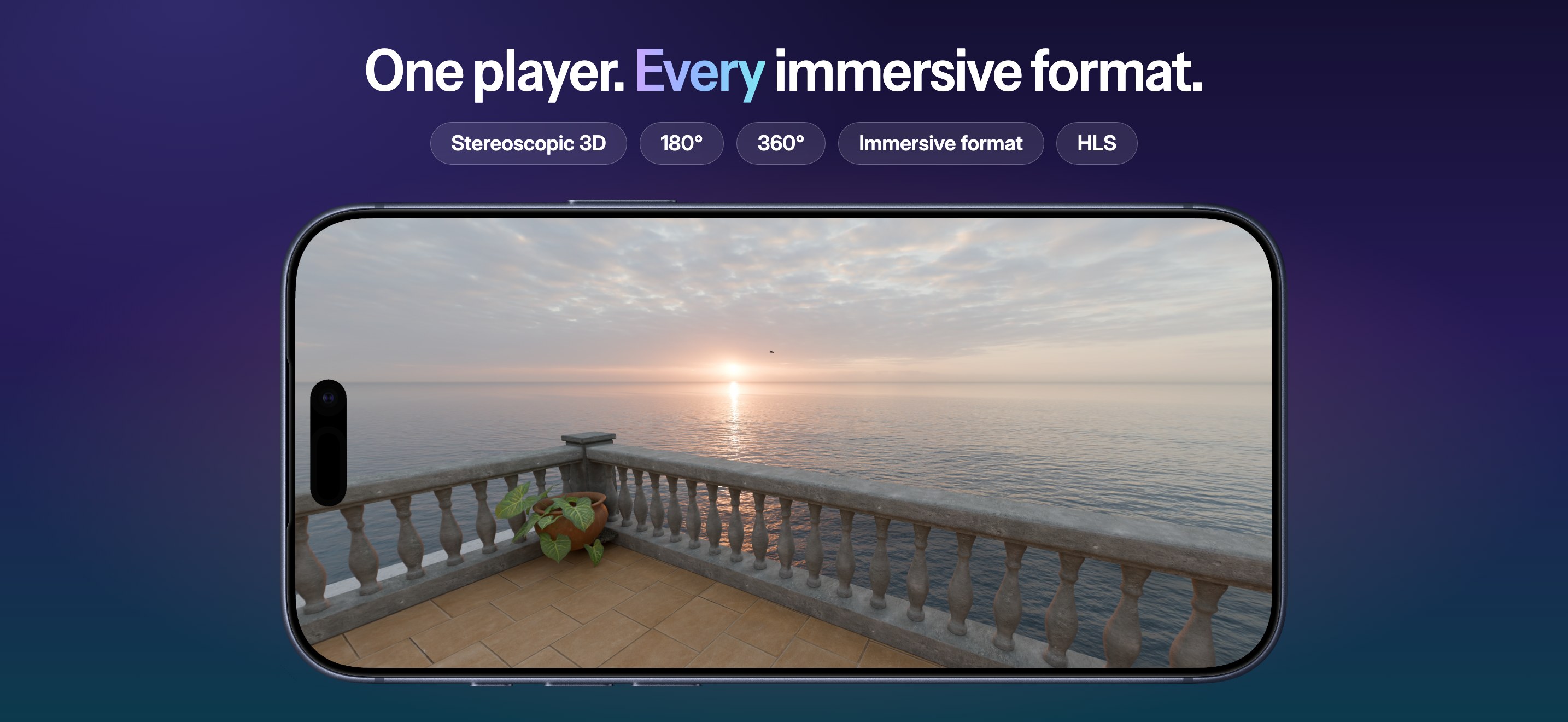
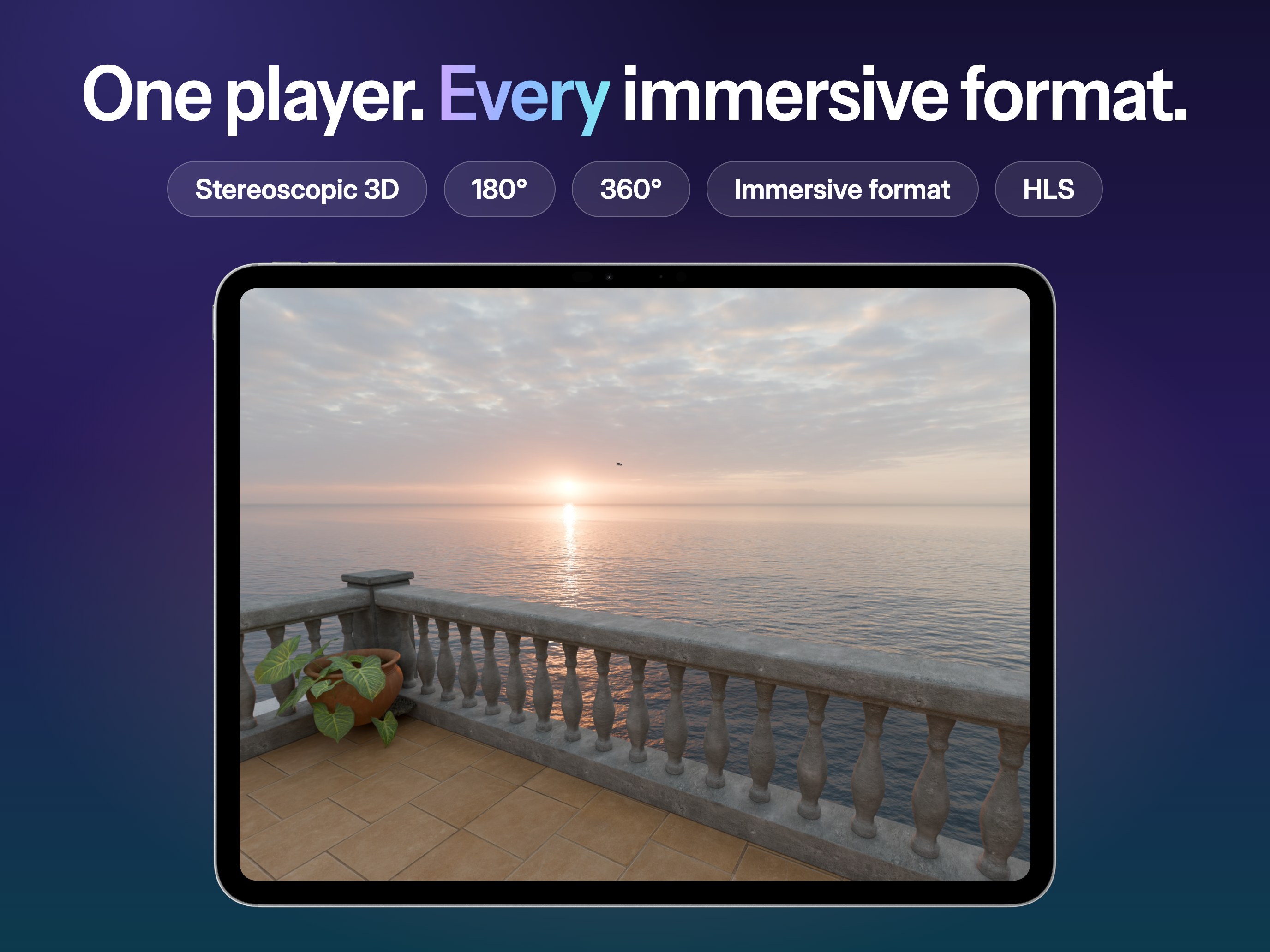
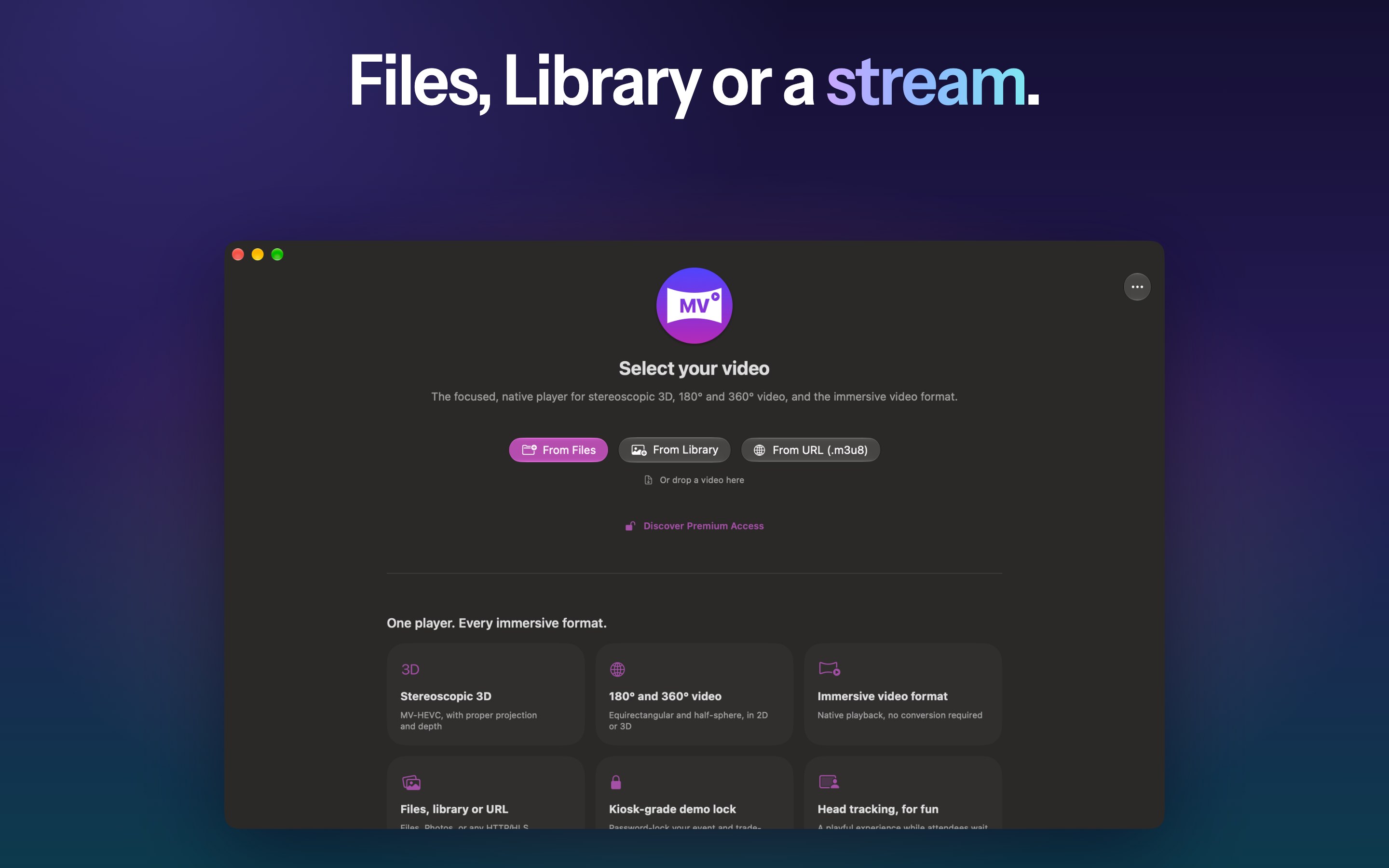
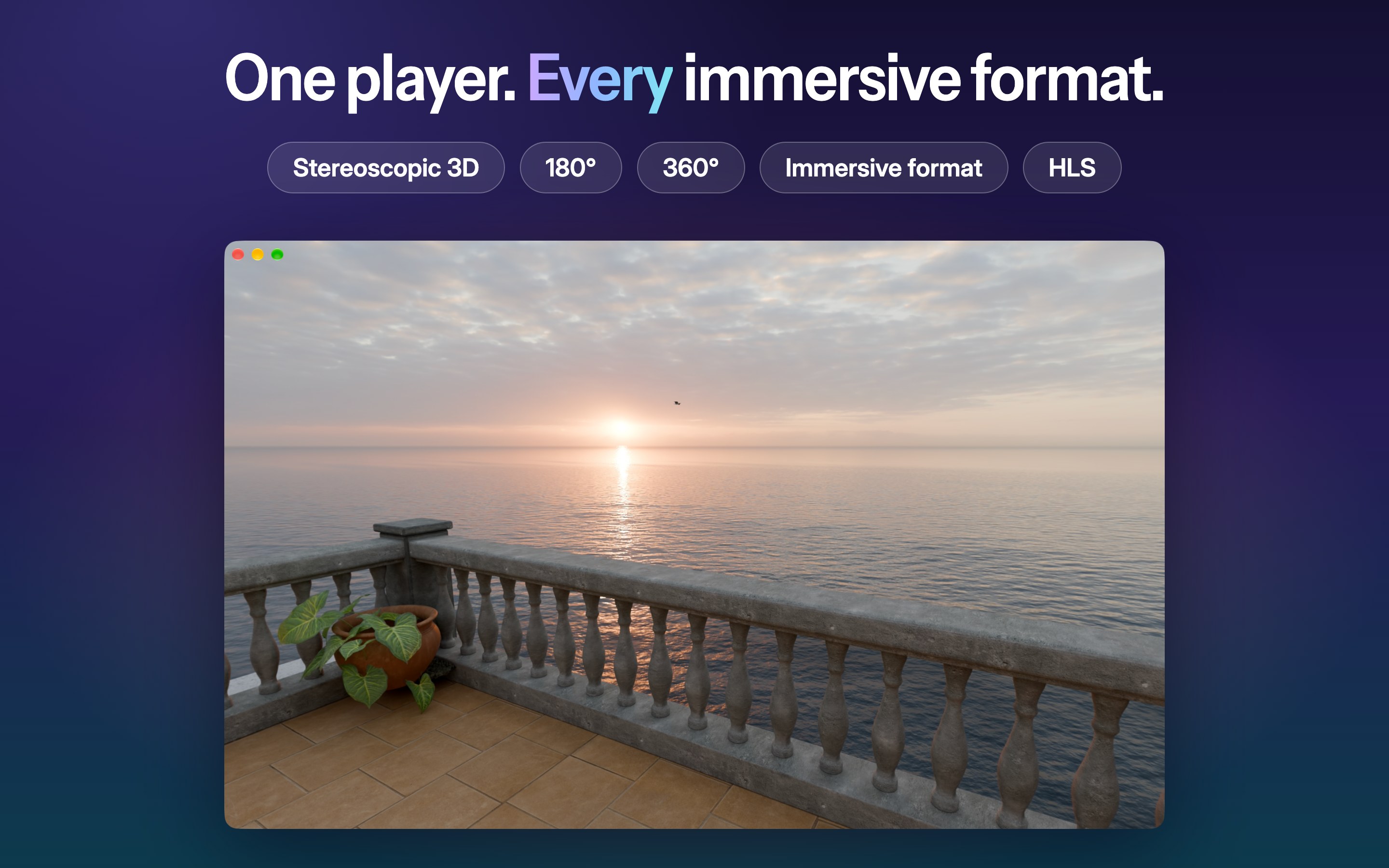
One player. Every immersive format.

  • Stereoscopic 3D: MV-HEVC with proper projection and depth, natively on Apple Vision Pro.
  • 180° and 360° video: equirectangular and half-sphere, in flat 2D (HEVC) or stereoscopic 3D (MV-HEVC).
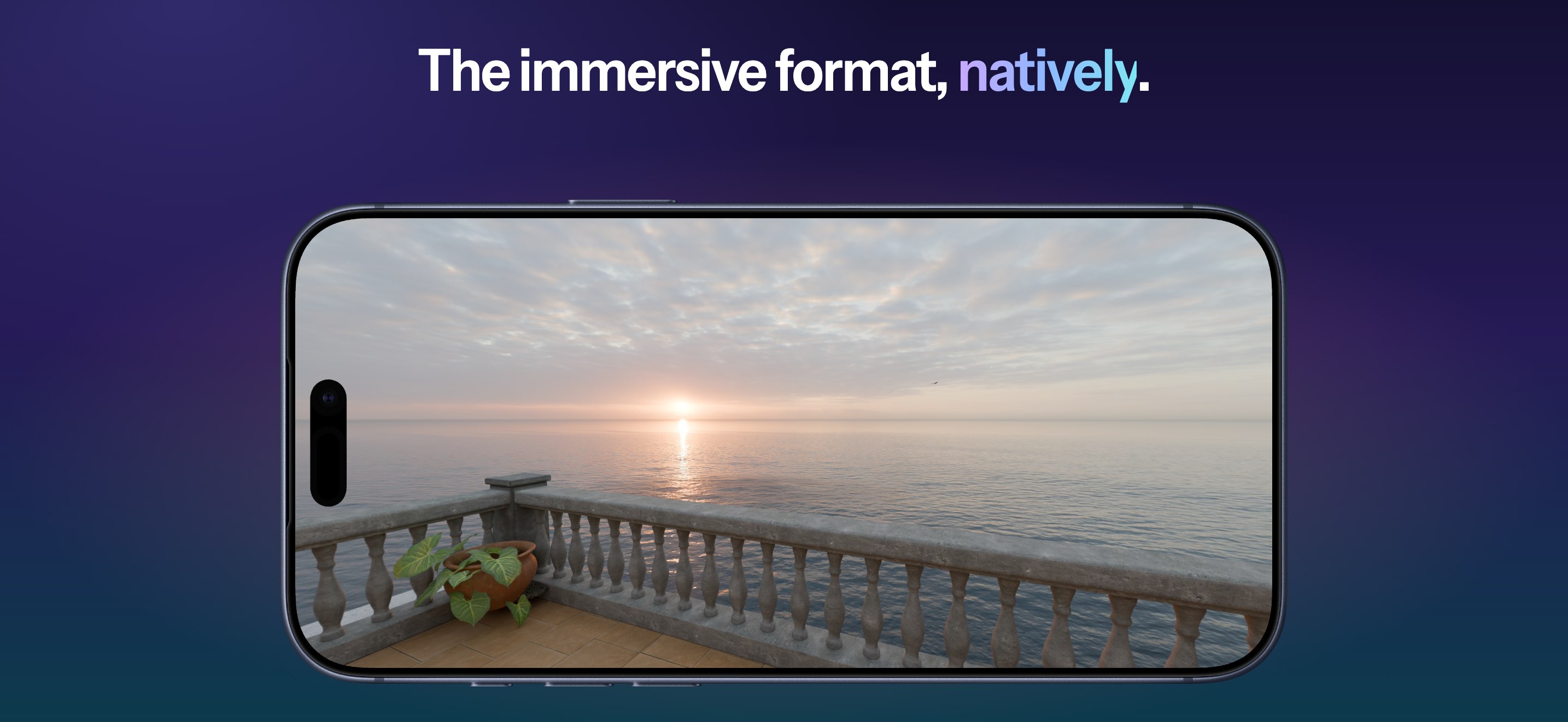
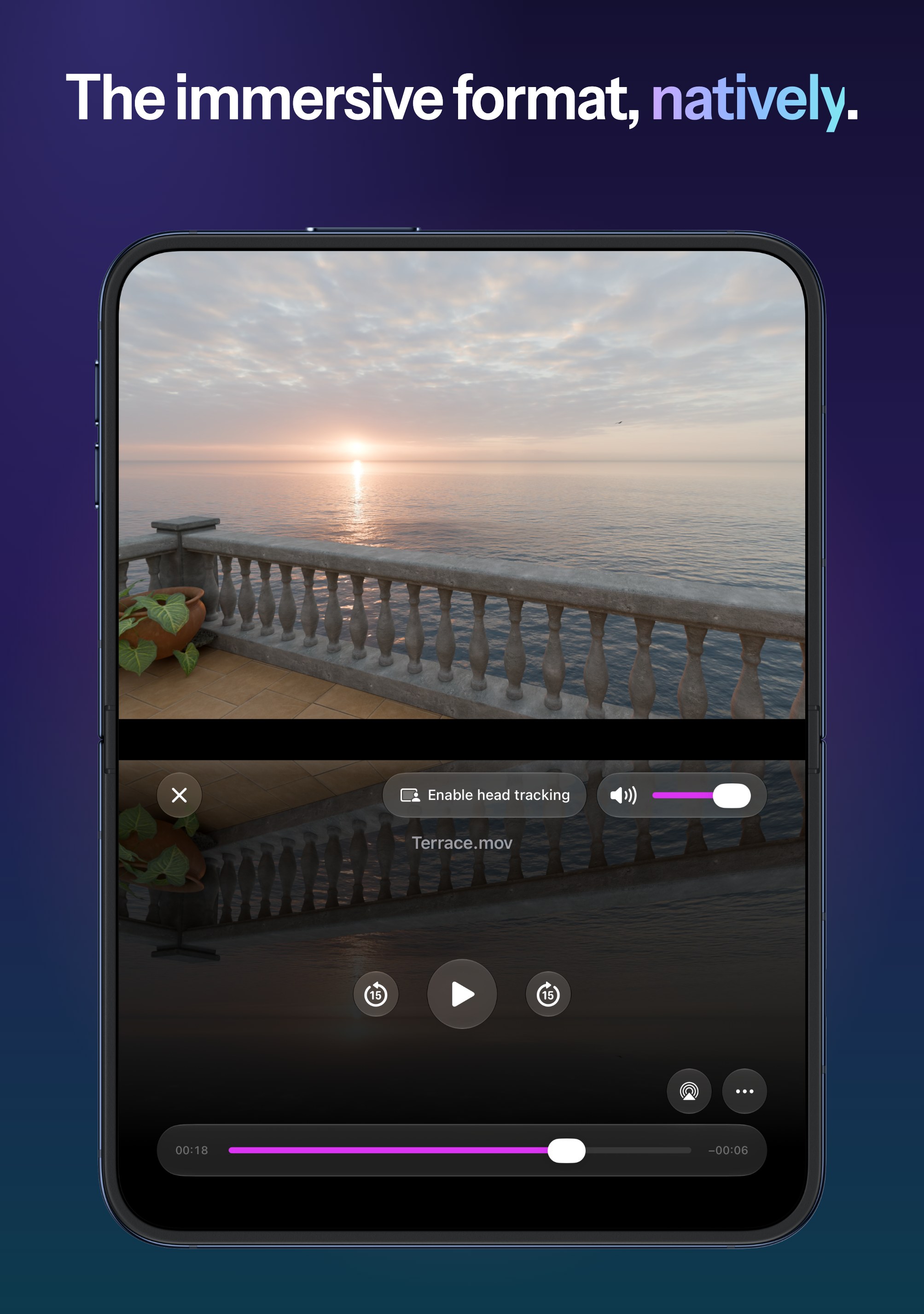
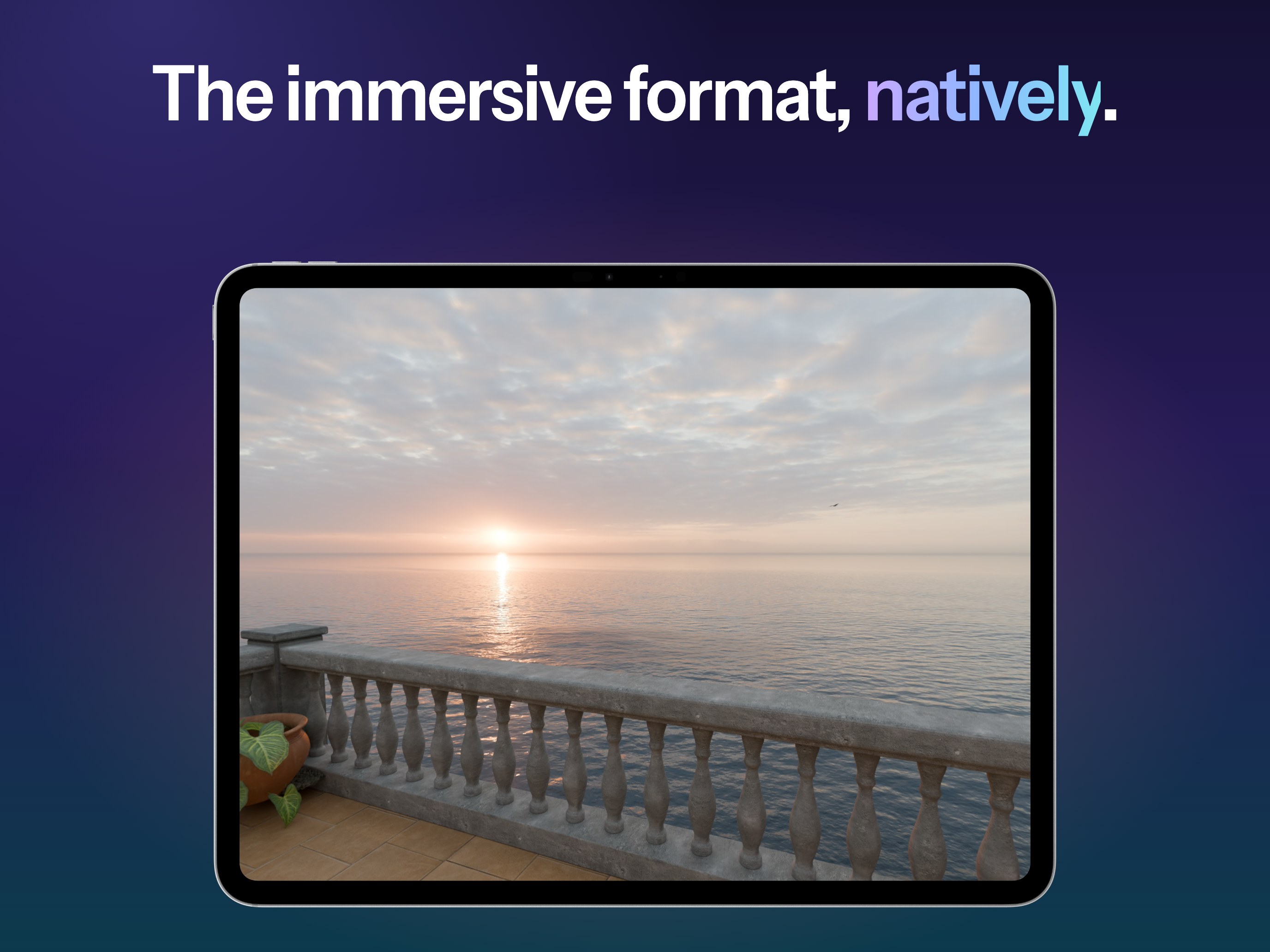
  • The immersive video format: native playback, no conversion required.
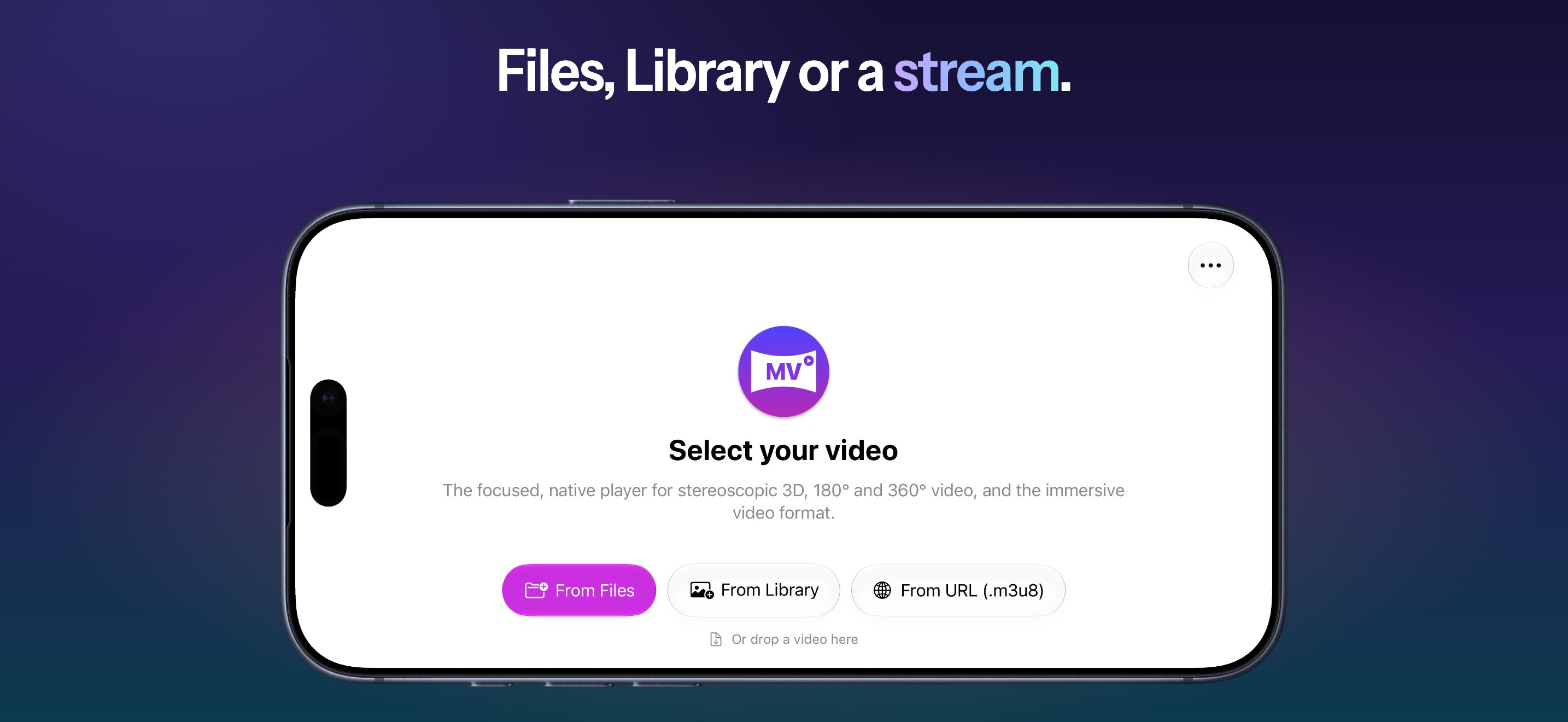
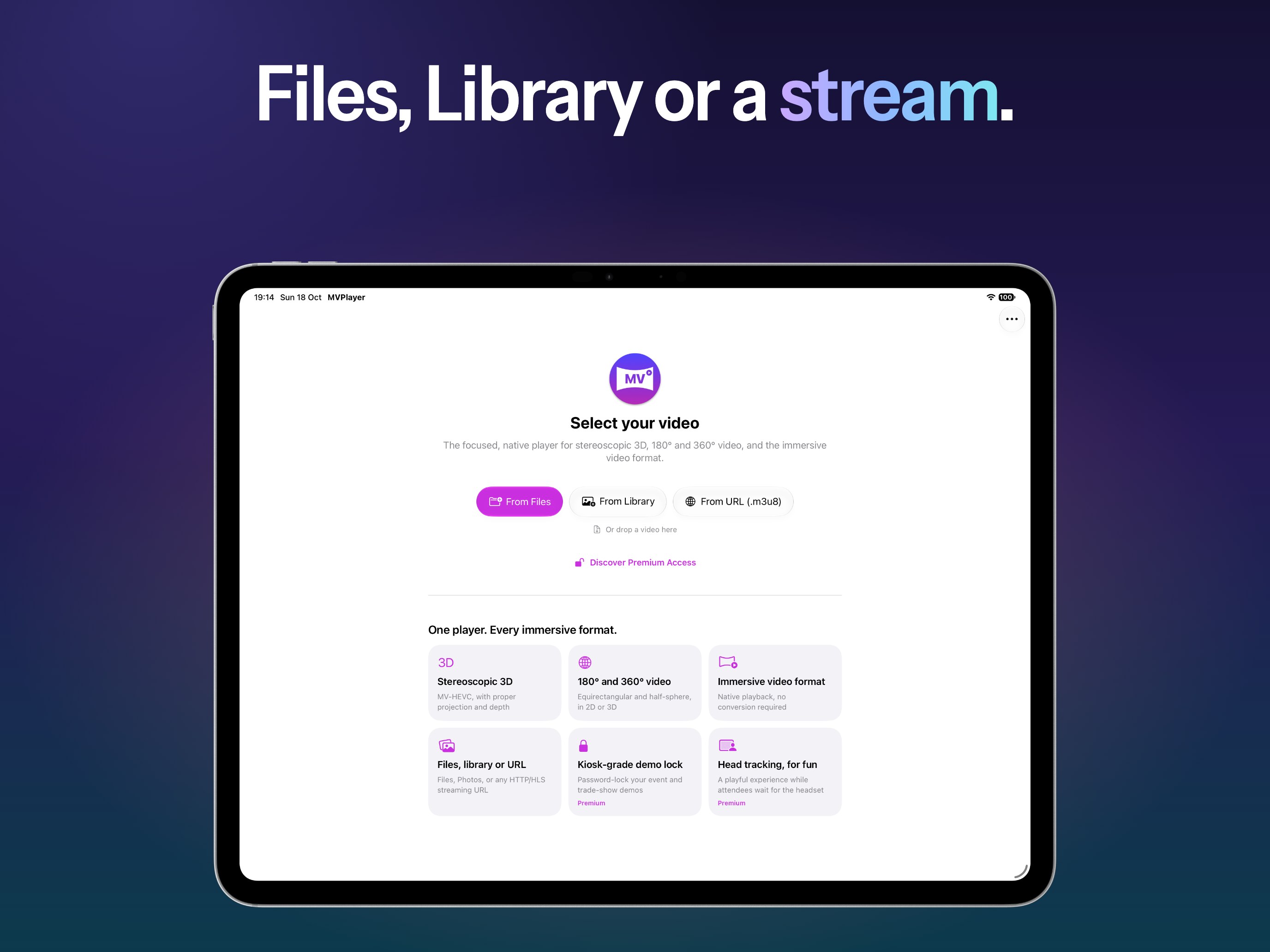
  • Files, library or URL: open from Files, the Photos library, or any HTTP/HLS streaming URL. On the Mac, drop a video on the window.

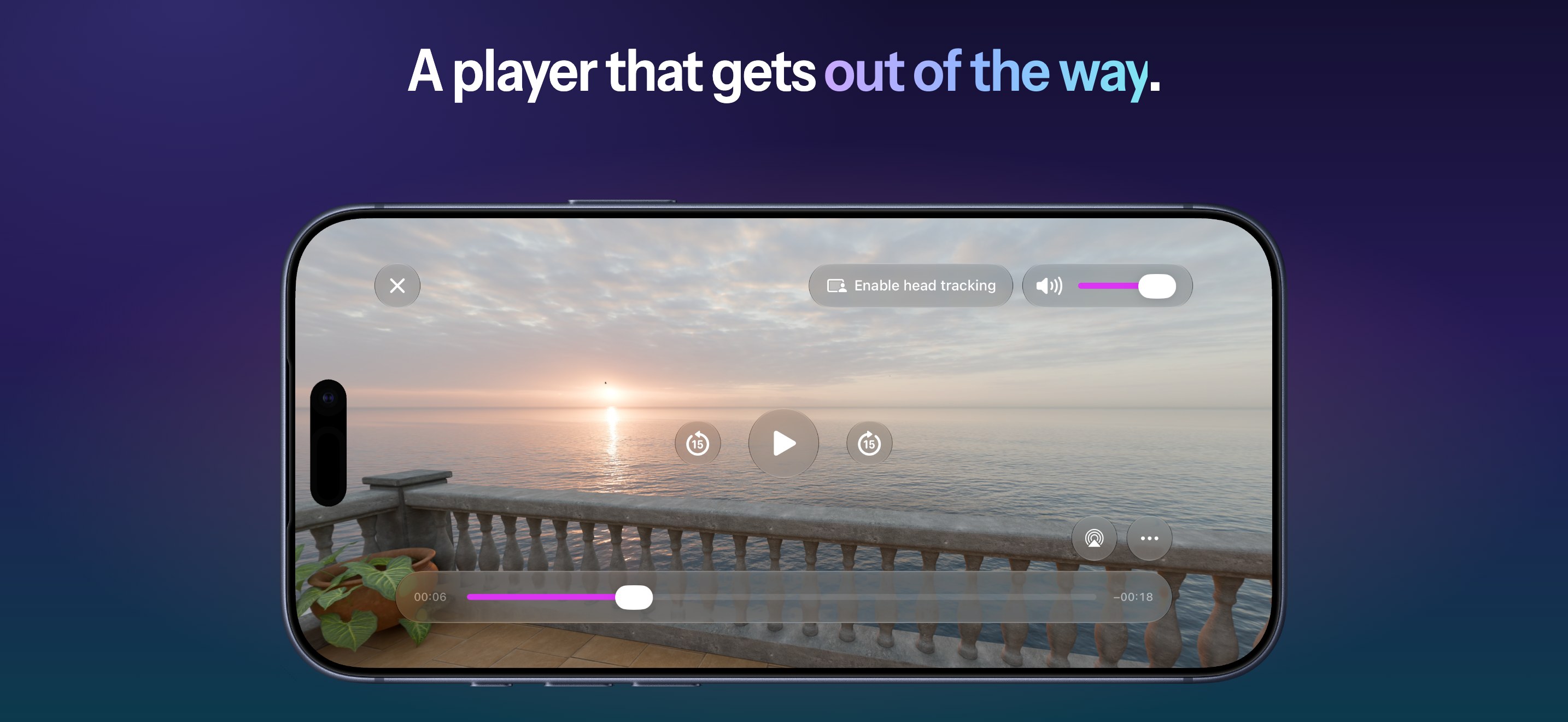
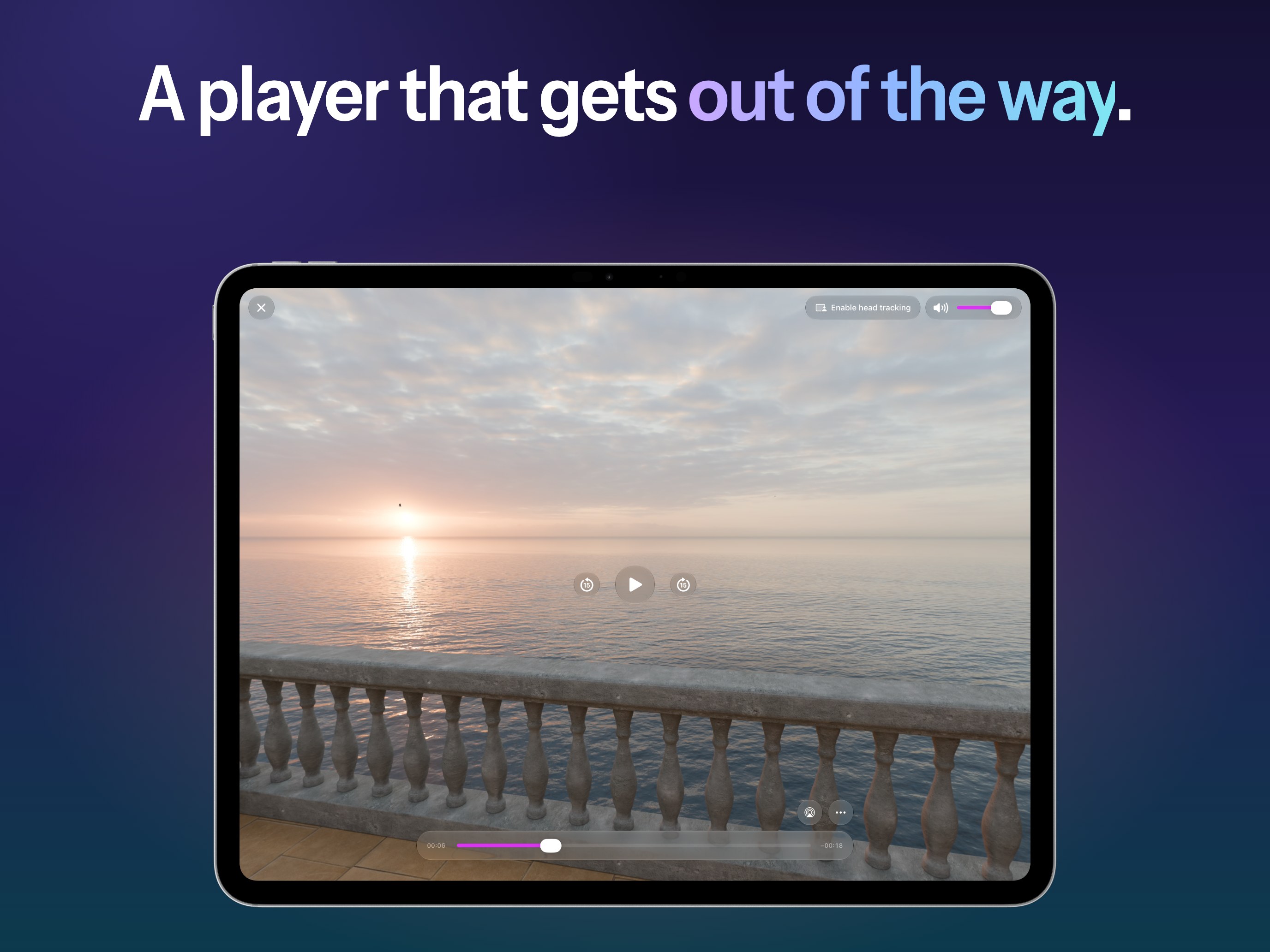
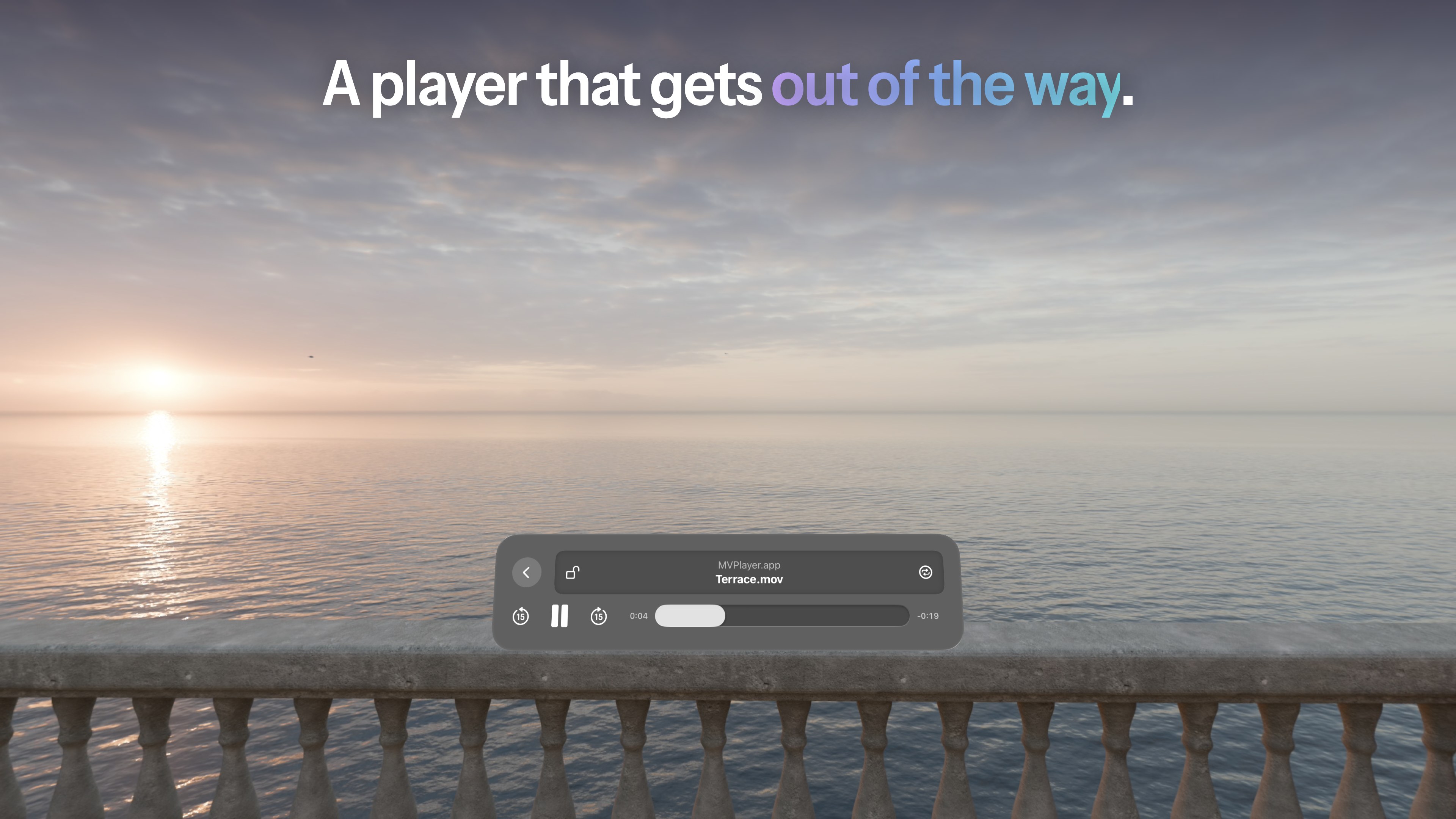
A player that gets out of the way.

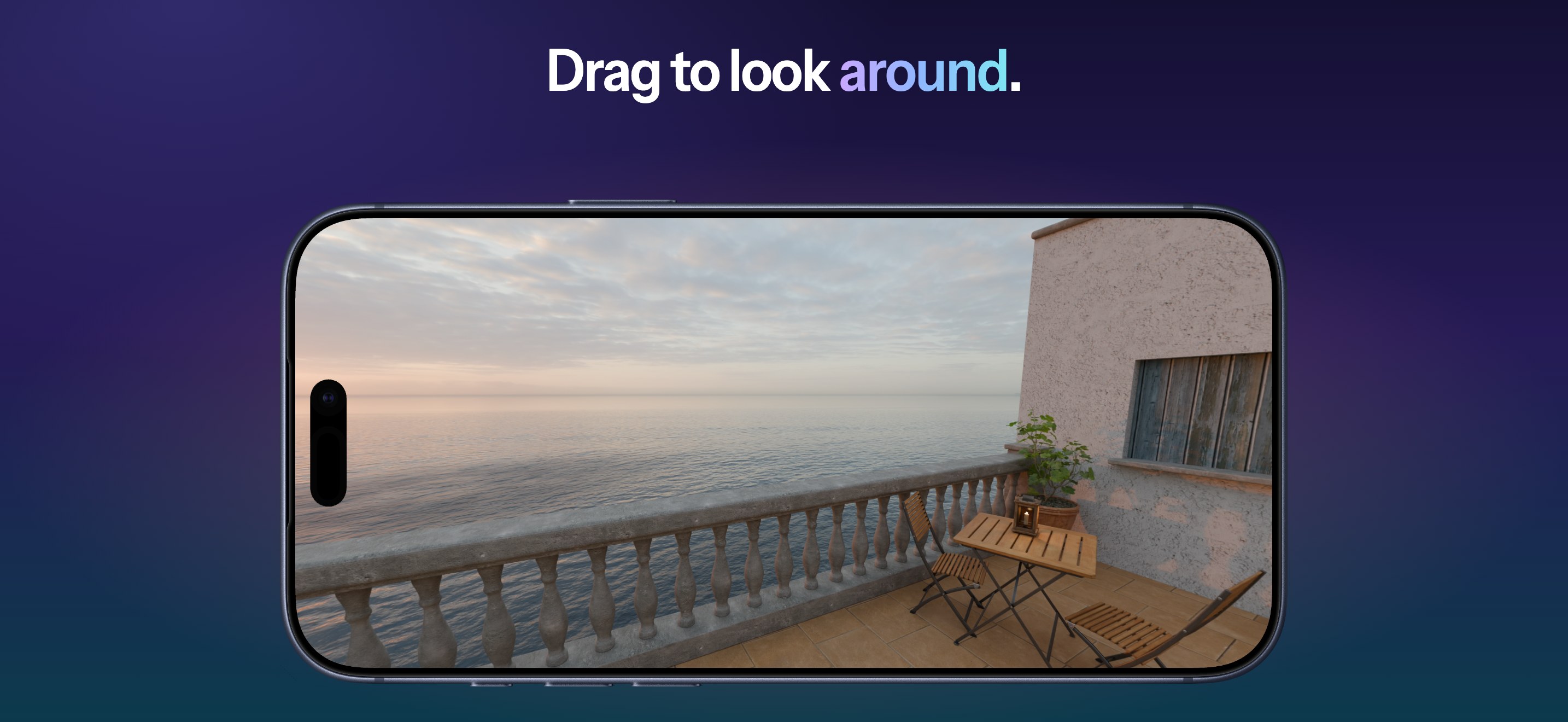
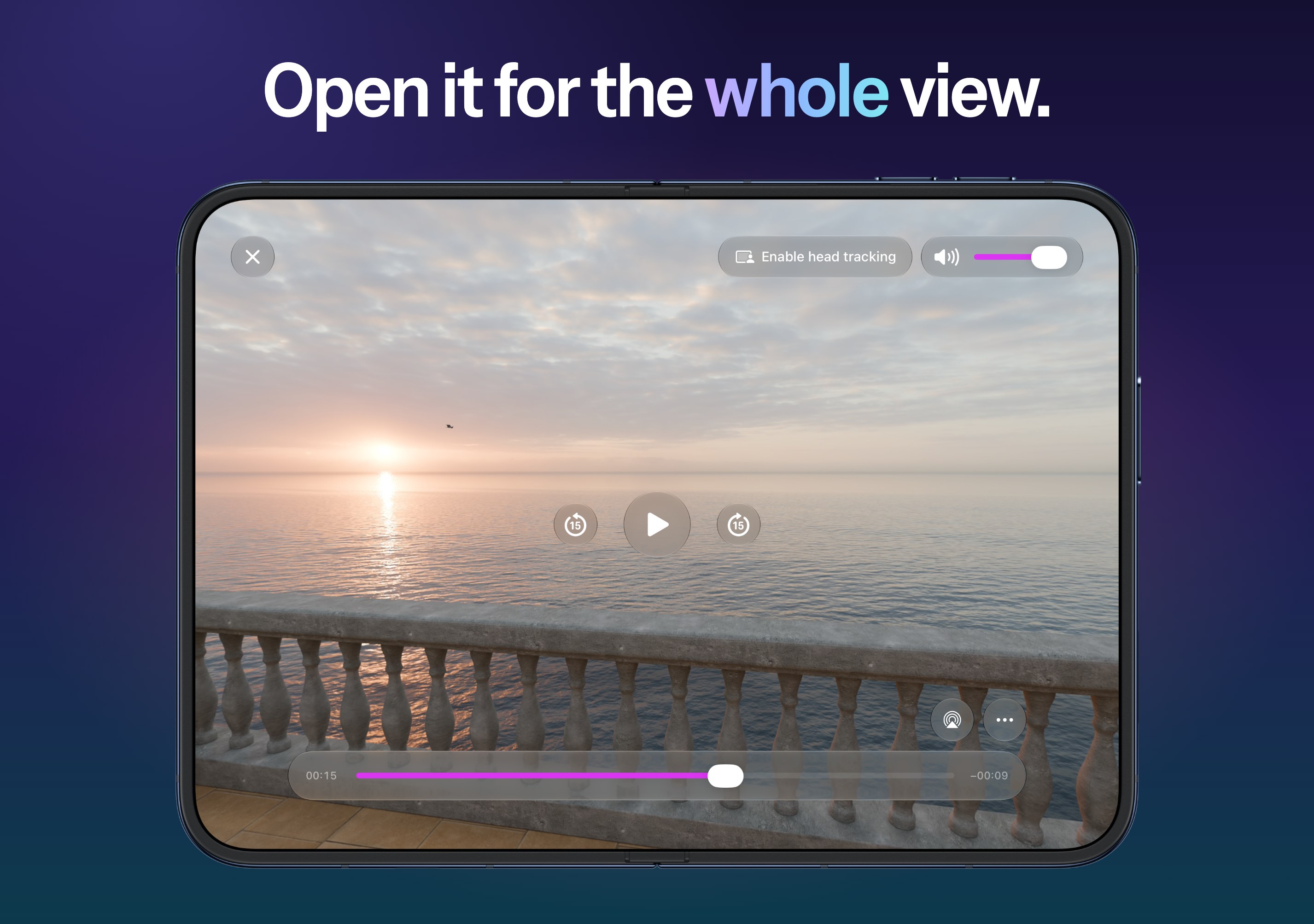
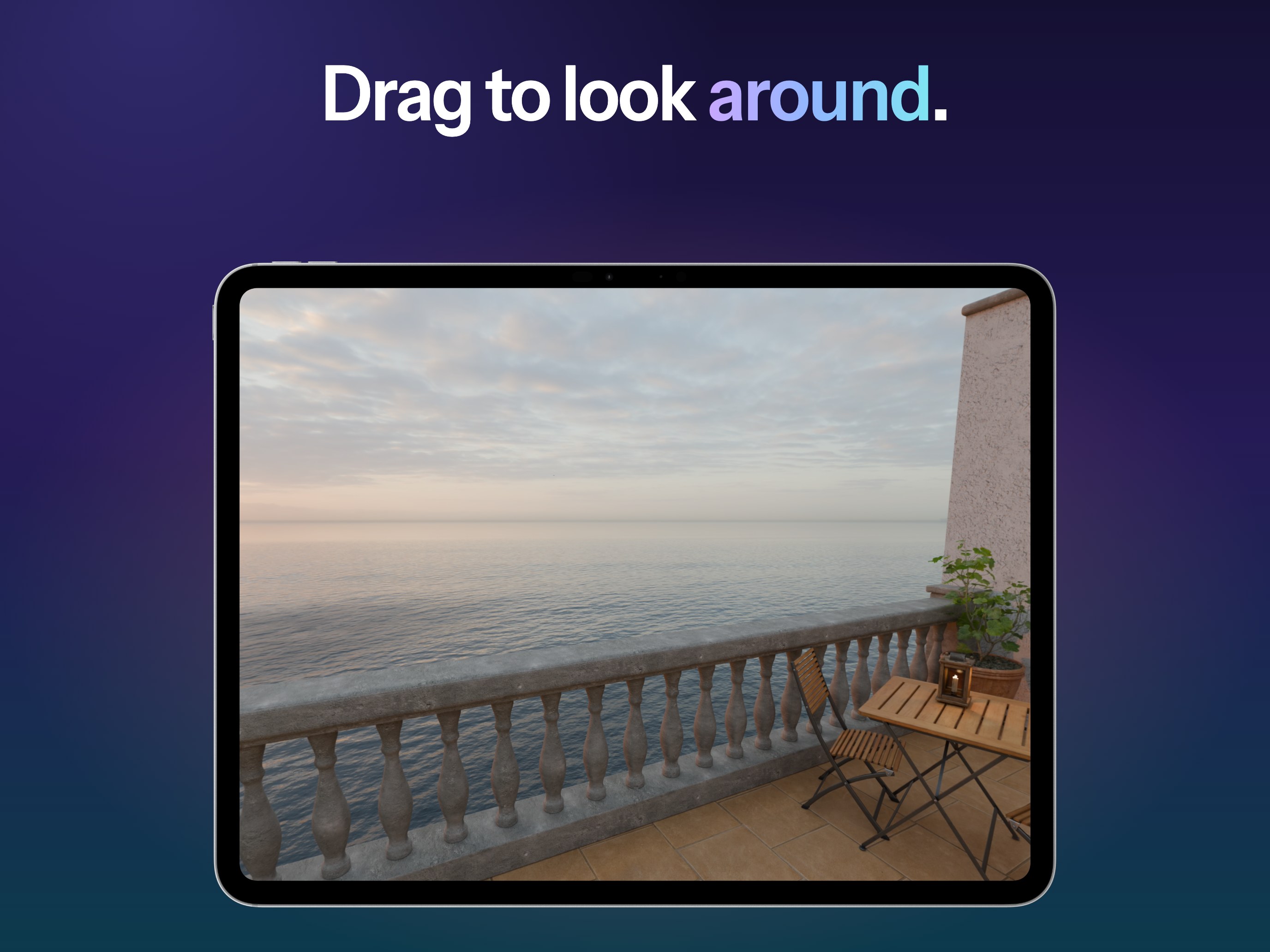
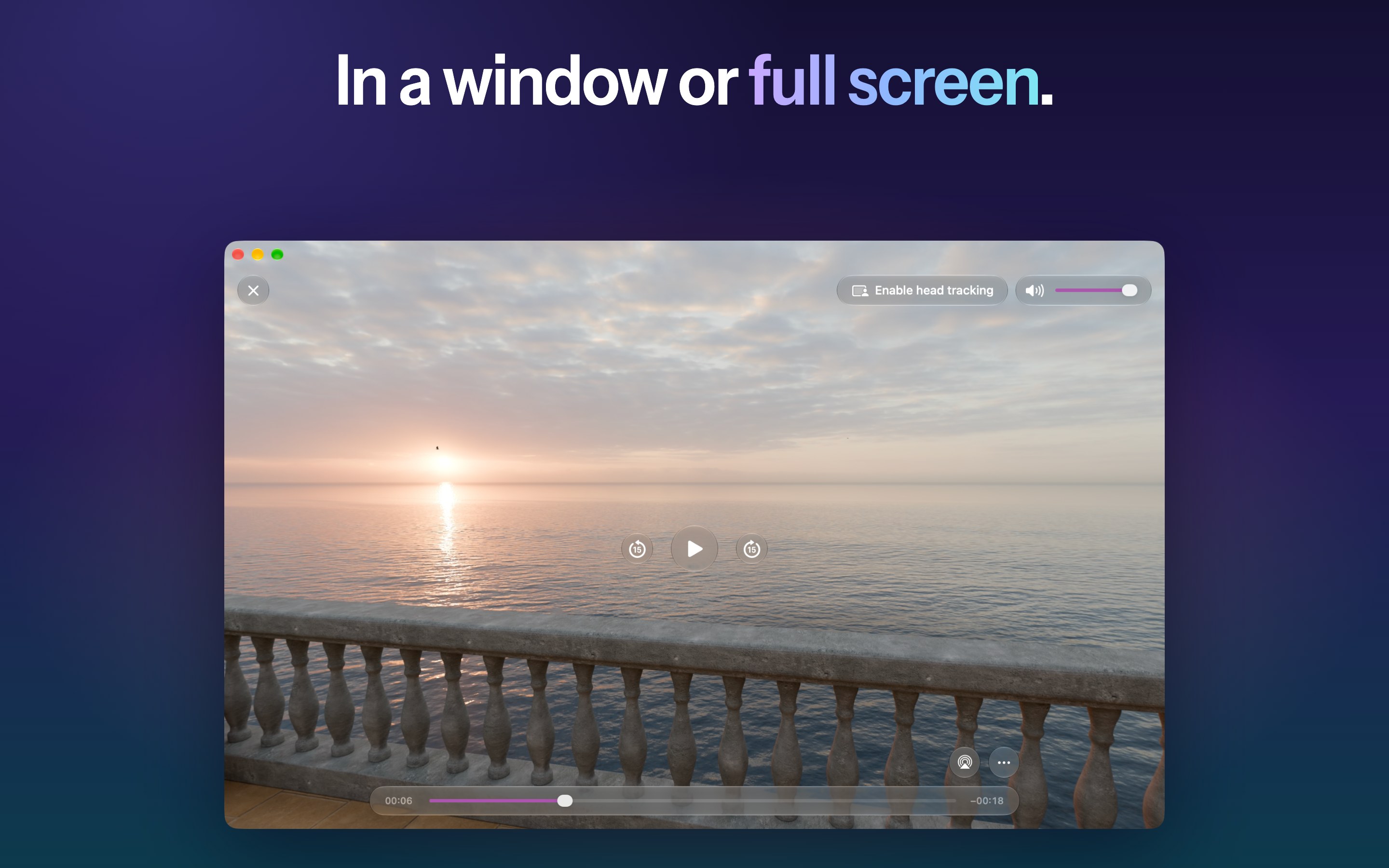
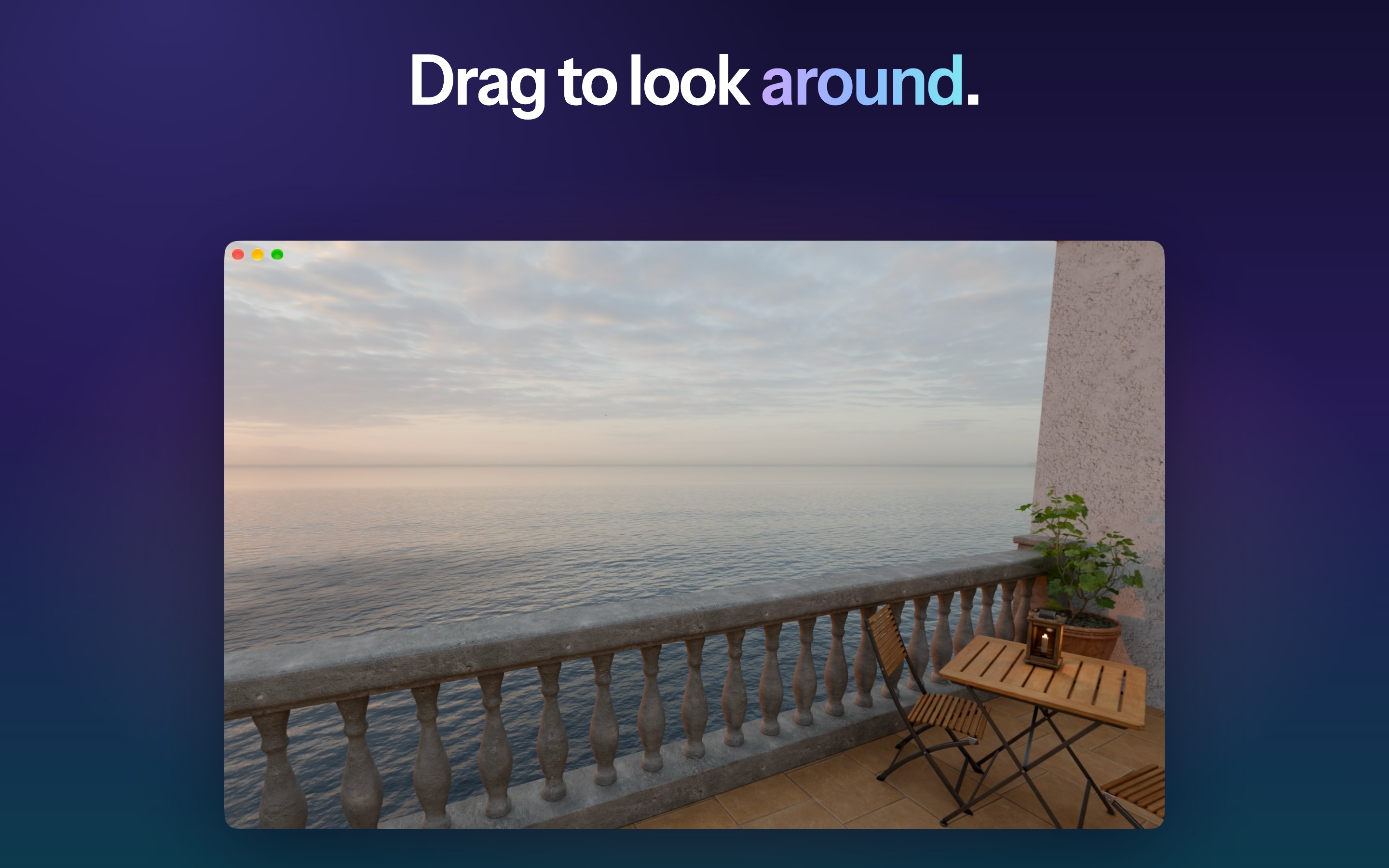
A modern translucent design: close and volume at the top, play controls in the middle, the timeline below. AirPlay and Picture in Picture are one tap away. On iPhone, iPad and Mac, drag to look around a 180° or 360° video.

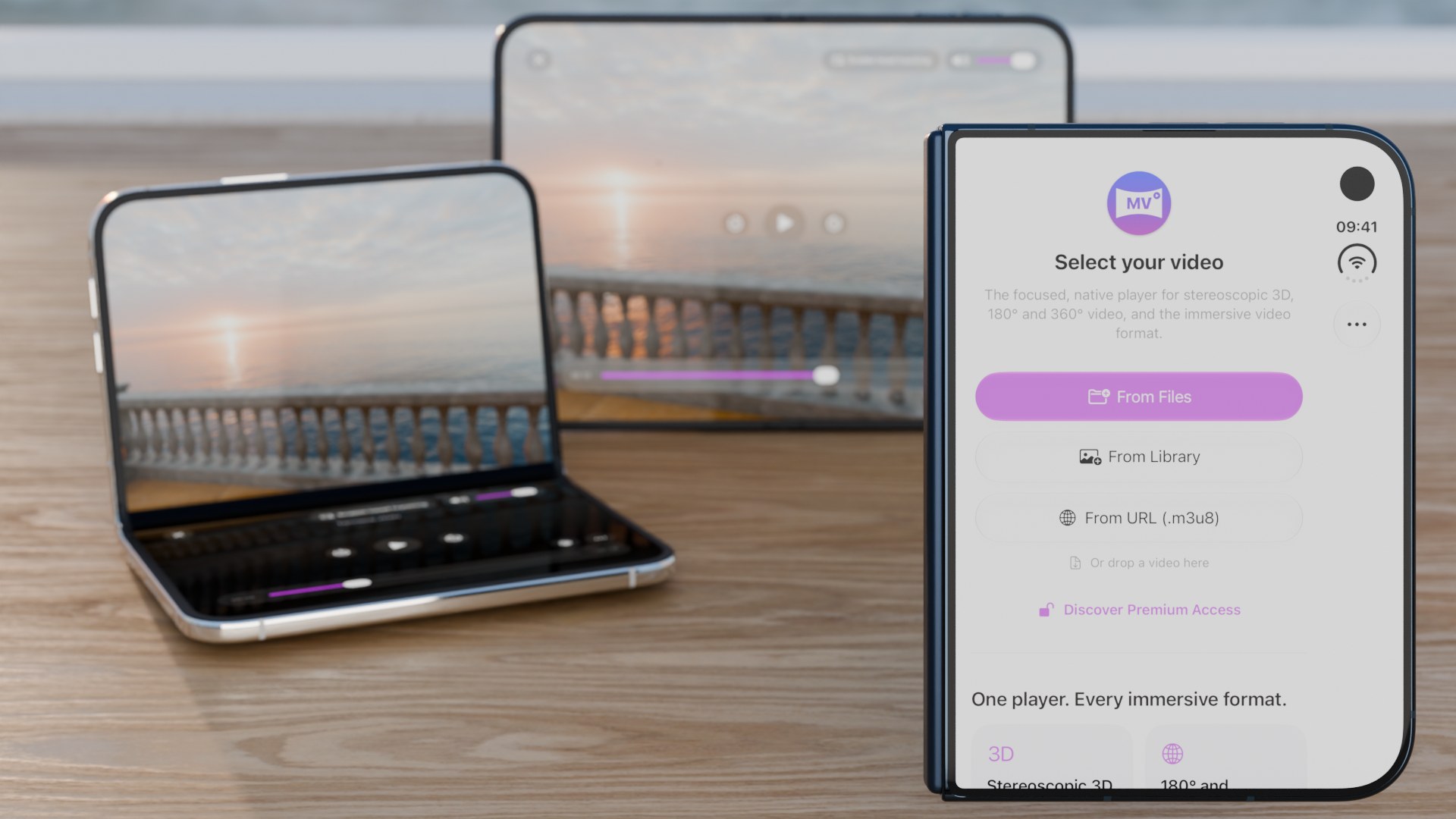
Made for iPhone Duo.

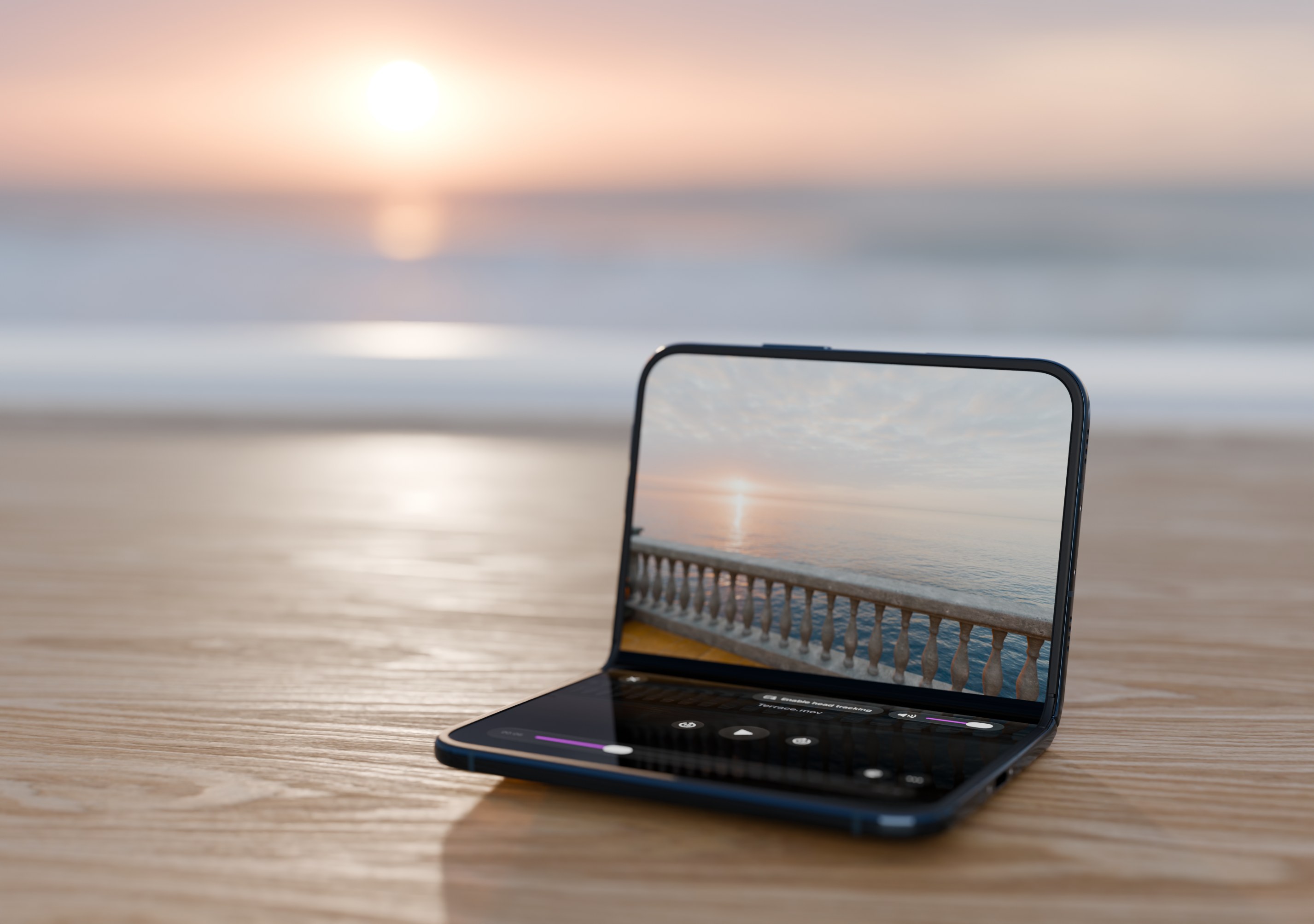
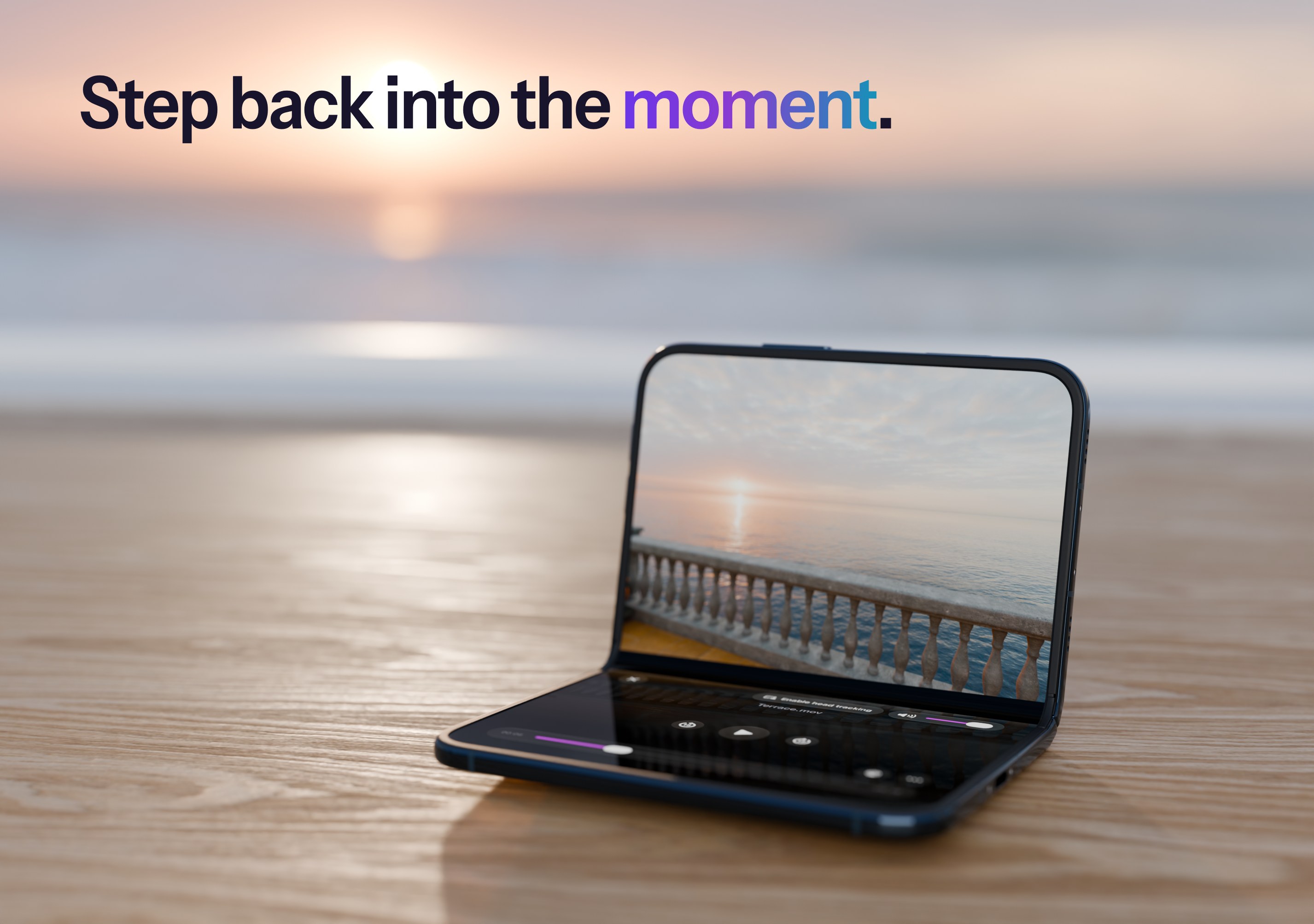
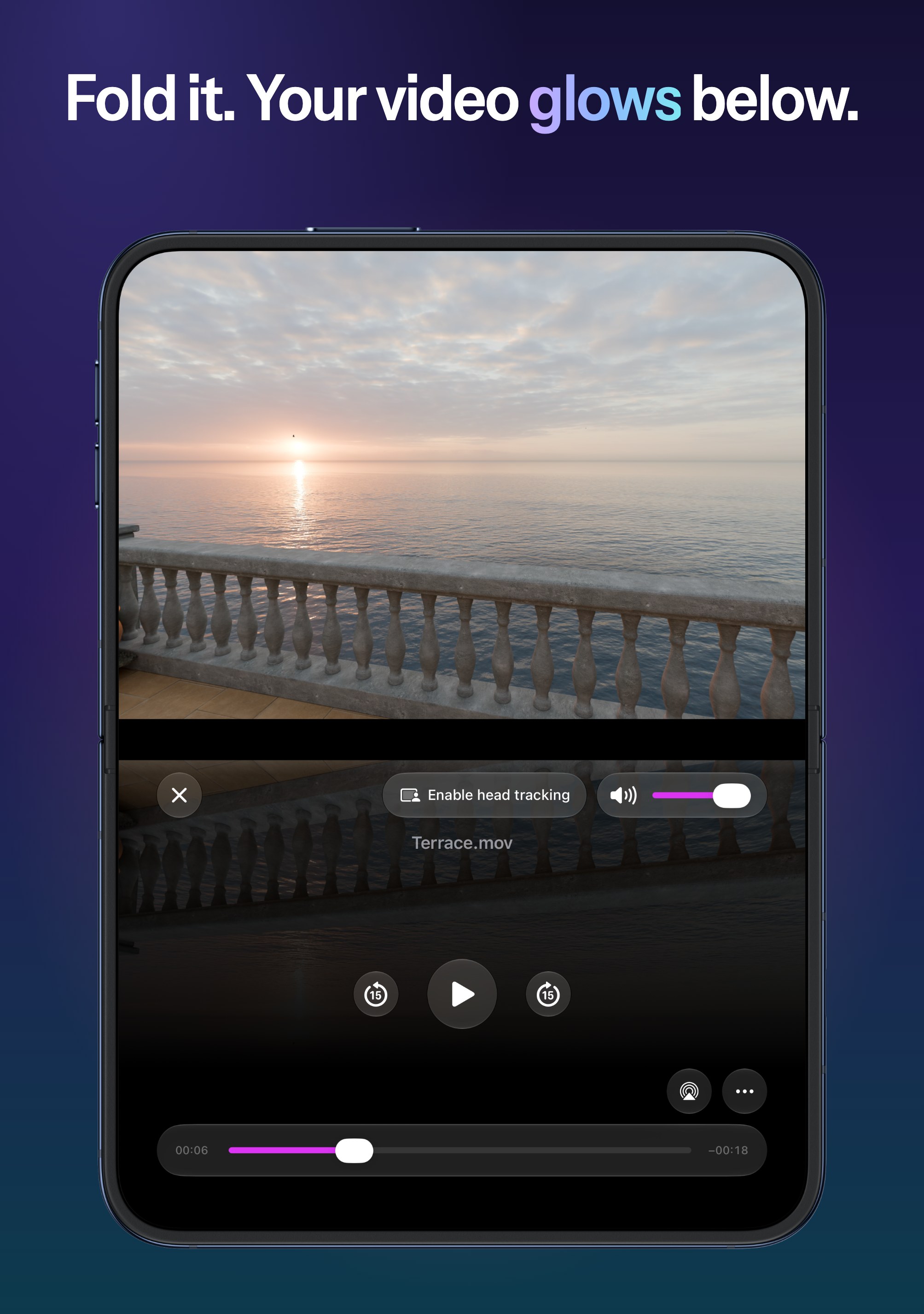
  • Fold it like a laptop: the picture stays upright and the controls move to the half lying flat, over a reflection of the video. The more you close it, the further the reflection reaches.
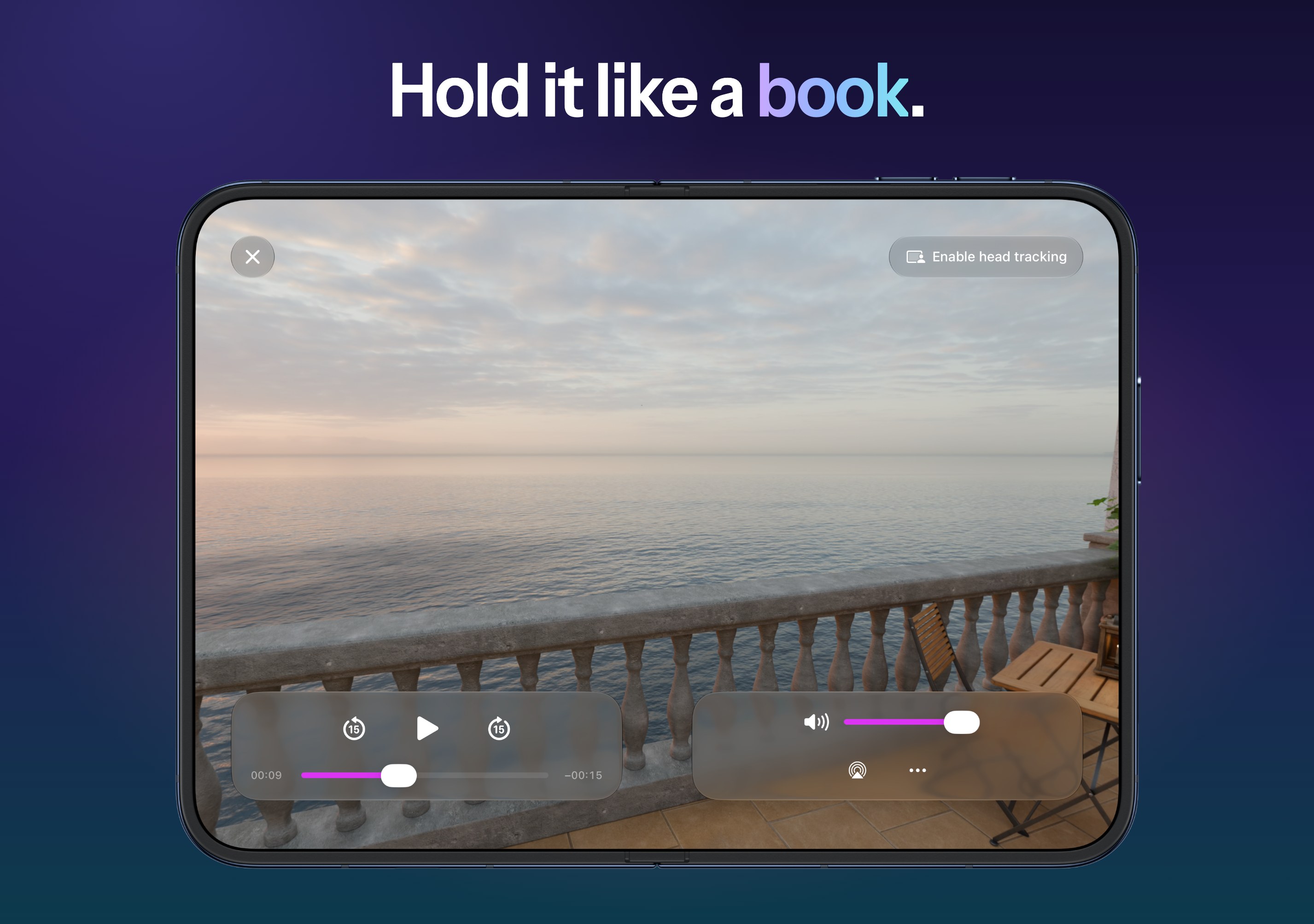
  • Hold it like a book: the video spans both pages, with a controller on each.
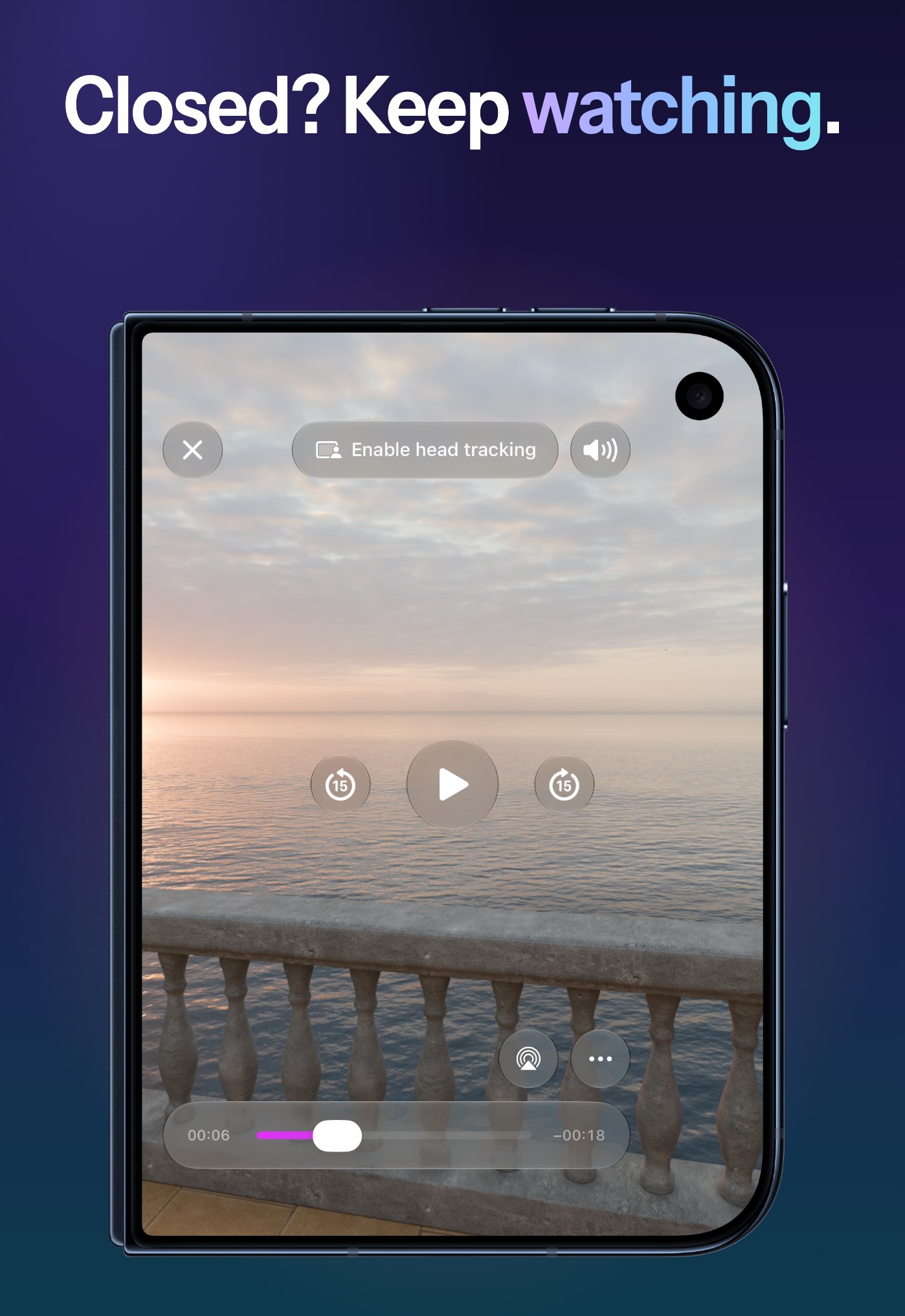
  • Close it: keep watching on the cover display.

Full Access, one optional purchase.

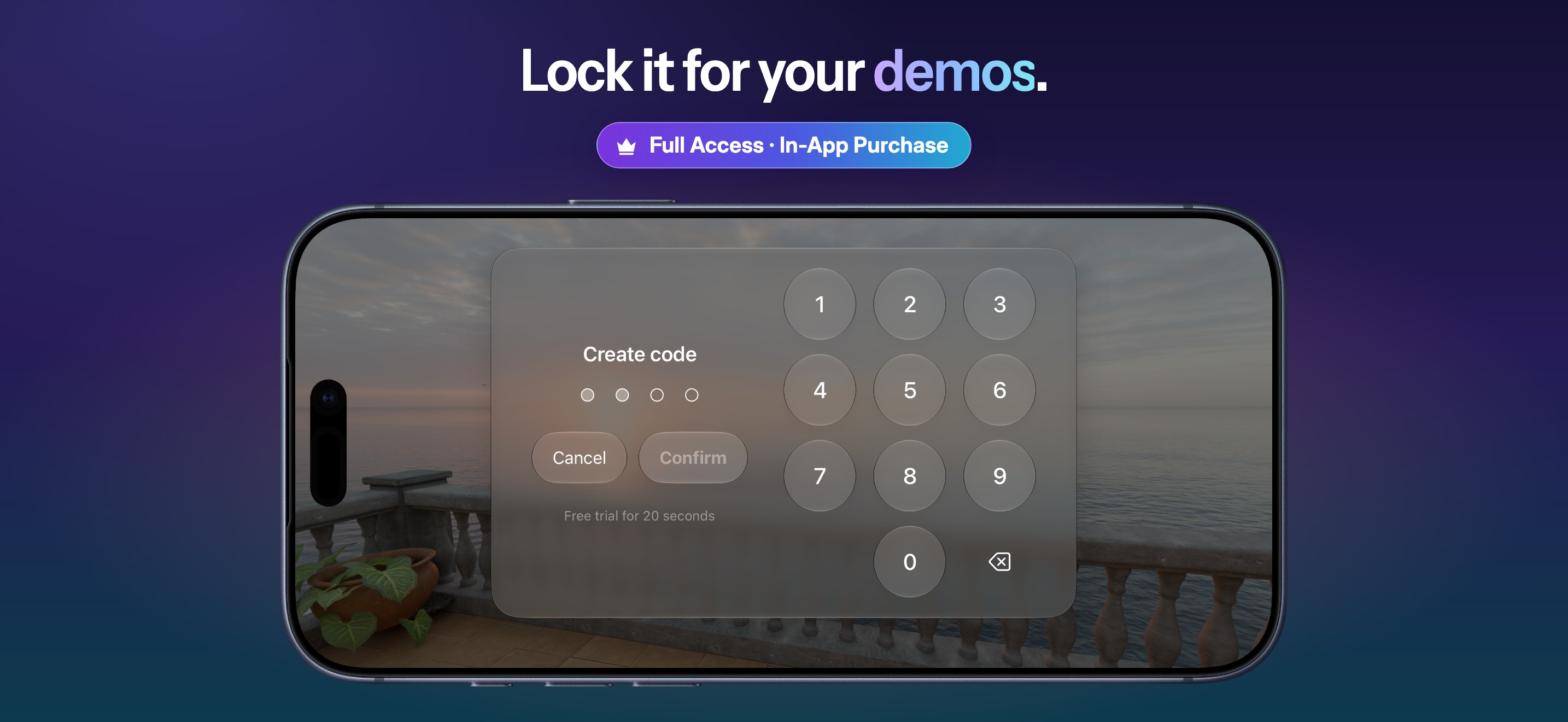
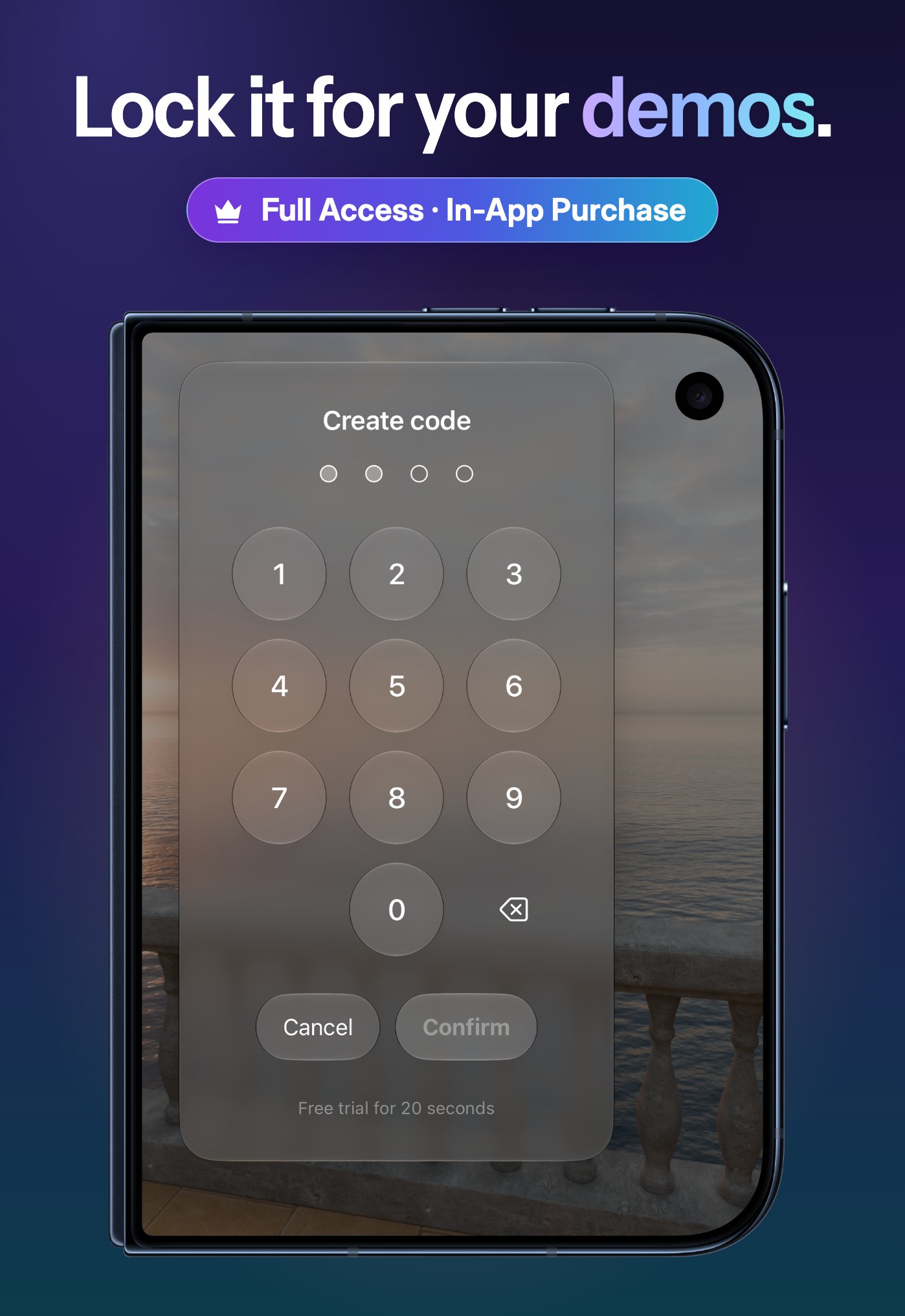
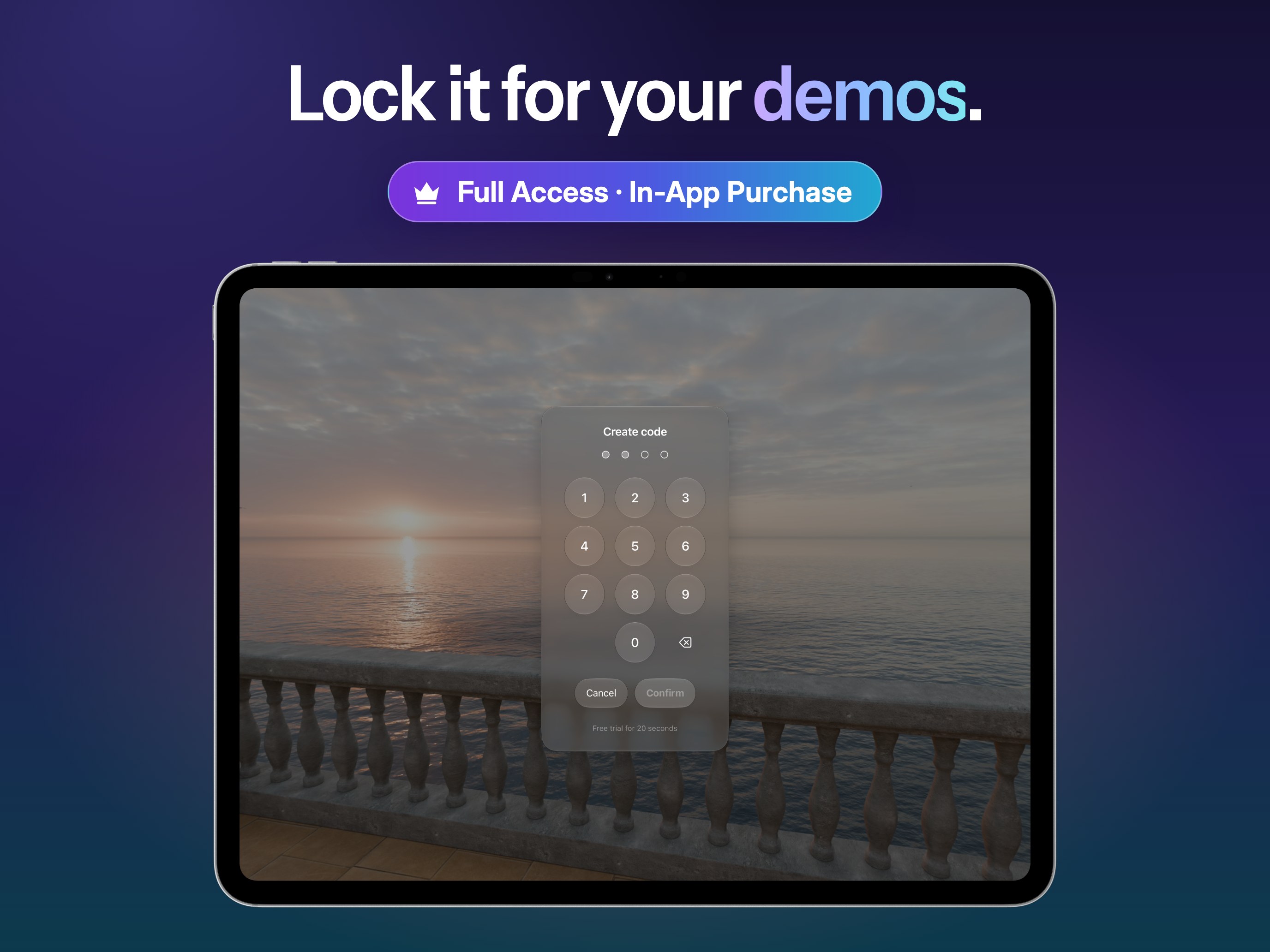
A password-locked kiosk mode keeps event and trade-show demos from being exited or tampered with, and a playful head-tracking experience on iPhone, iPad and Mac entertains attendees while they wait for the headset. Both can be tried free for 20 seconds; Full Access unlocks them once, with no subscription.

Release notes

What’s new, newest first.

MVPlayer 4.0 Beta

In public beta on TestFlight · coming to the App Store

See it every way

  • Panorama, Tiny Planet and Crystal Ball view modes for 180° and 360° video, on iPhone, iPad, Mac and Apple Vision Pro, plus a zoom out to a 180° wide view (Full Access).
  • On Apple Vision Pro, a crystal ball floating in the room, a tiny planet on the floor and a curved panorama around the viewer.
  • On Apple Vision Pro, an immersive video collapses into a window beside other apps and expands back around the viewer.

Plays more

  • Side-by-side and over-under 3D at full or half resolution, row-interleaved 3D from passive displays, and fisheye lenses.
  • A format sheet for videos that don’t say how to show them, and a format panel to adjust them while they play.
  • .mov and .mp4 over HTTP(S), beside HLS, the immersive video format included.
  • Live video from a capture card or a camera over USB-C, on Mac, iPad and Apple Vision Pro with the Developer Strap (Full Access).
  • Subtitles and soundtracks picked in every player.

For professionals

  • The inspector: codec and profile, HDR and spatial metadata, bitrates, keyframes, dropped frames and GPU time, with a copyable report and PNG screenshots up to 4,096 pixels.
  • A new Metal renderer on iPhone, iPad and Mac, which plays the immersive video format through its own lens at its graded brightness.
  • High Fidelity and High Compatibility labels, and suggestions for MV Converter and MV Experience.

MVPlayer 3.2

Released October 2026 · followed by 3.2.1 with fixes

A brand-new player

  • A modern translucent design, laid out like the system player.
  • A cleaner home: open from Files, Library or a URL, and see at a glance what MVPlayer plays.
  • On the Mac, drop a video on the window; floating controls stay clickable in a window and in full screen.
  • On Apple Vision Pro, a cleaner home and Full Access sheet in the spirit of visionOS.

Made for iPhone Duo

  • Laptop: the controls sit on the half lying flat, over a reflection of the video that reaches further as you close it.
  • Book: the video spans both pages, with a controller on each.
  • Closed: keep watching on the cover display.

MVPlayer 3.1

Released October 6, 2026

  • Updated for the latest versions of iOS and iPadOS.

MVPlayer 3.0

Released May 23, 2026 · followed by 3.0.1 and 3.0.2 with fixes

  • Native playback of the immersive video format, with no conversion.
  • A modern translucent design across every platform, with a new app icon.
  • A compact transport bar on iPhone, iPad, Mac and Apple Vision Pro.

MVPlayer 2.1

Released December 11, 2024 · followed by 2.1.1 and 2.1.2 with fixes

  • Updated for the latest versions of iOS and iPadOS.
Icon & logo

Brand assets.

Please use the icon as supplied: don’t recolor it, crop it, or add effects.

MVPlayer logo, light text for dark backgrounds

Logo, for dark backgrounds

PNG · 2969 × 640, transparent
MVPlayer logo, dark text for light backgrounds

Logo, for light backgrounds

PNG · 2969 × 640, transparent

Colors

#4F44F3 #C26FE2 #9B4EBF #21A8D1 #0B0B0F
Images

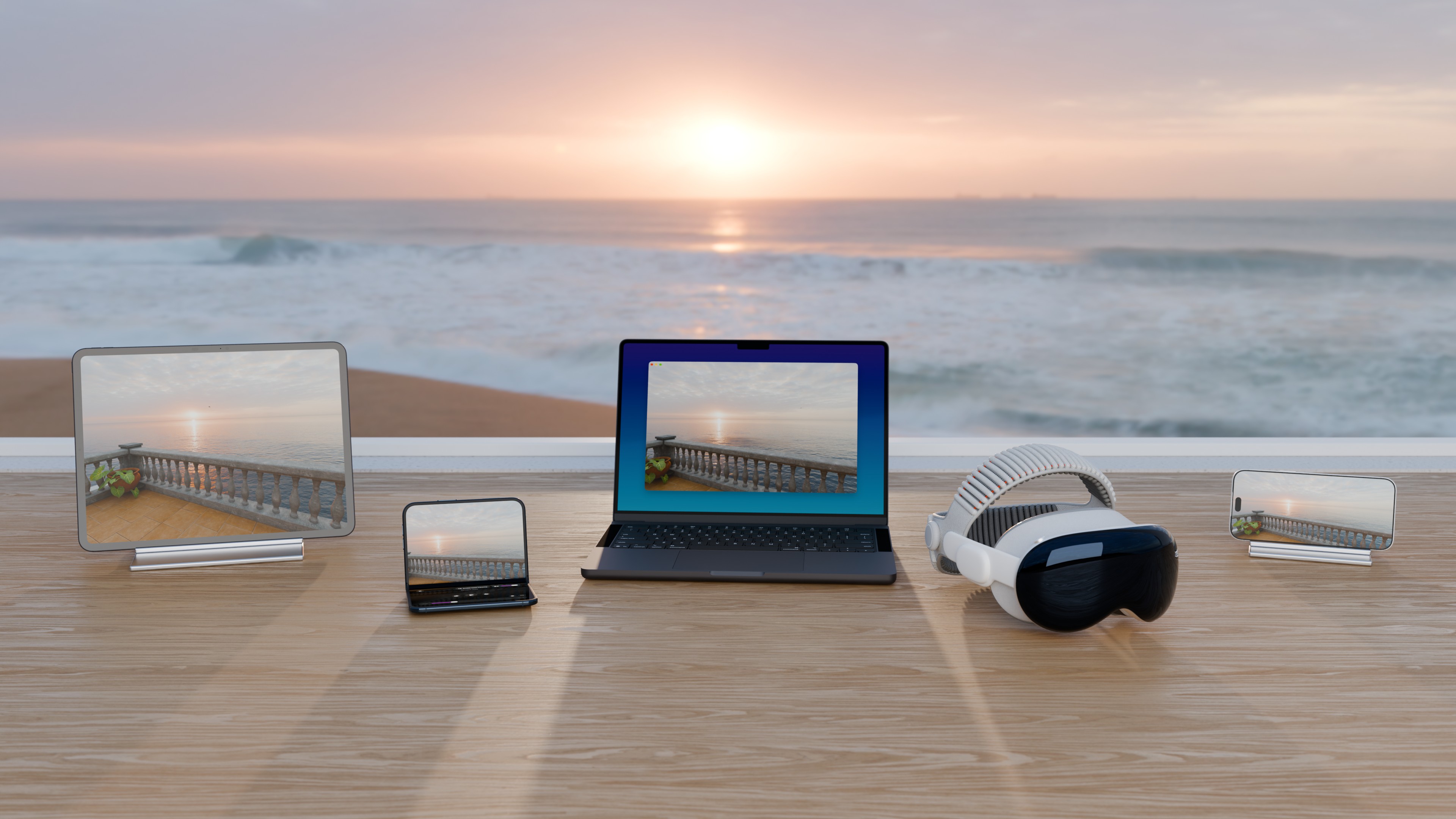
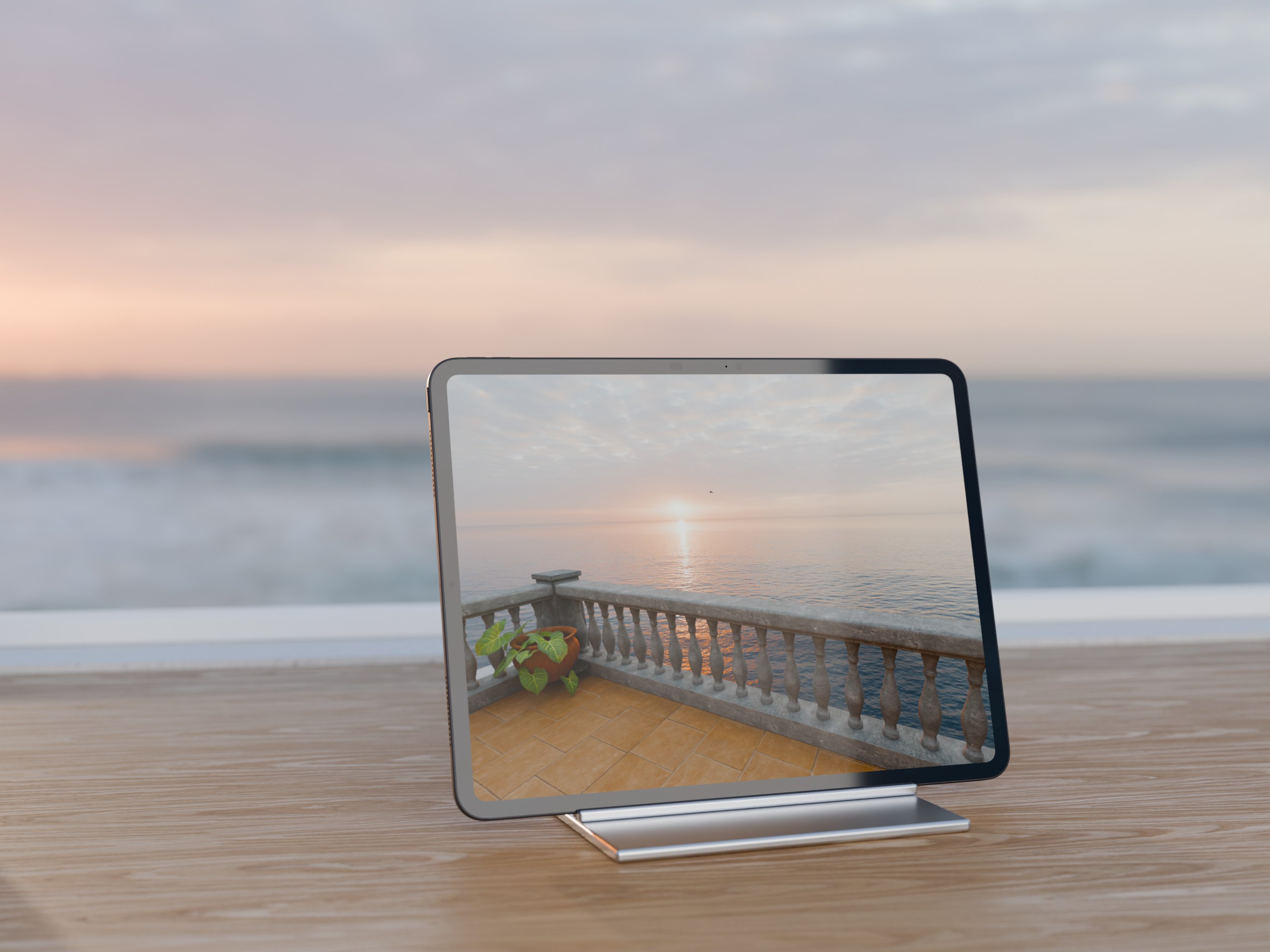
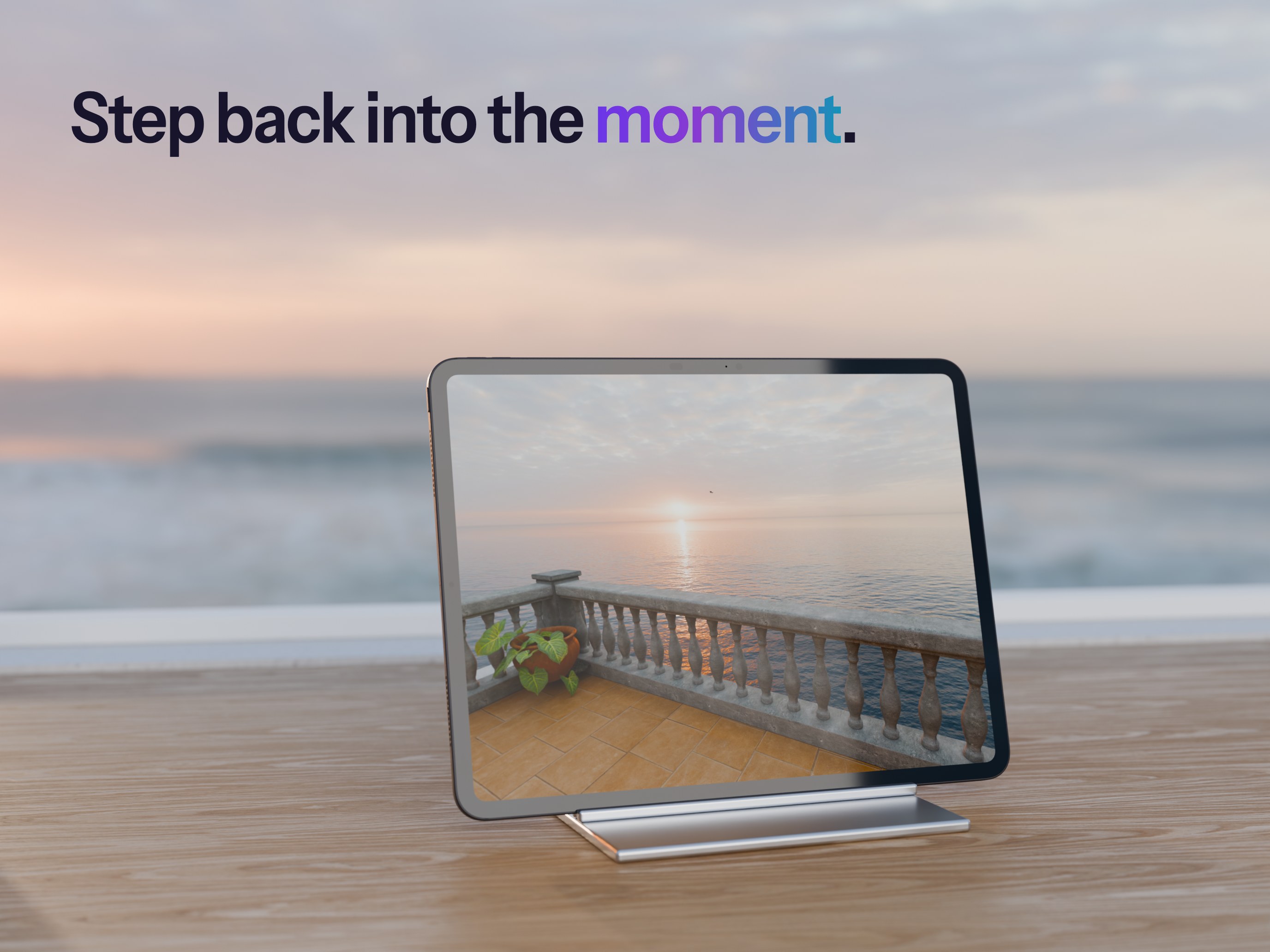
MVPlayer at home.
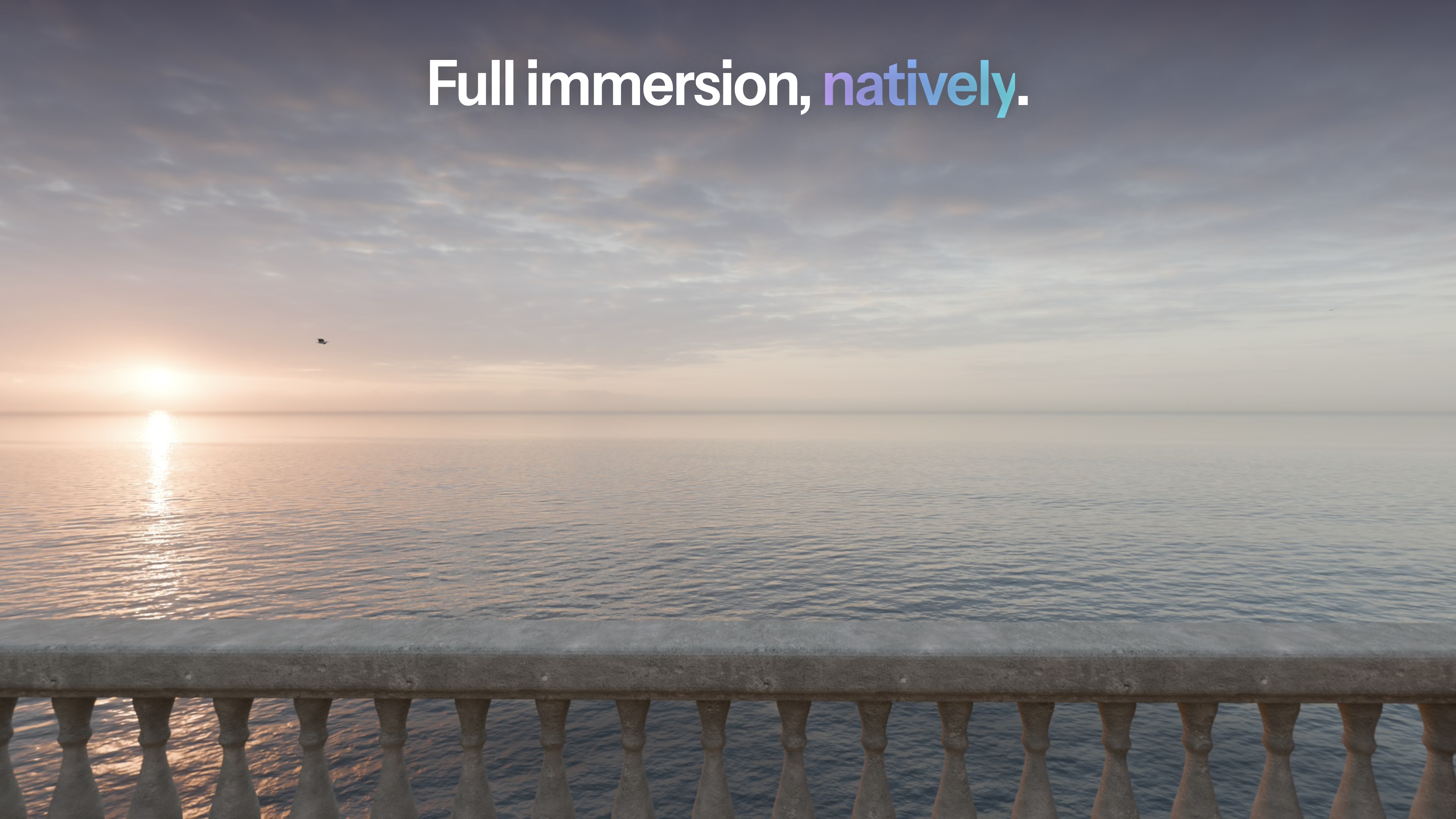
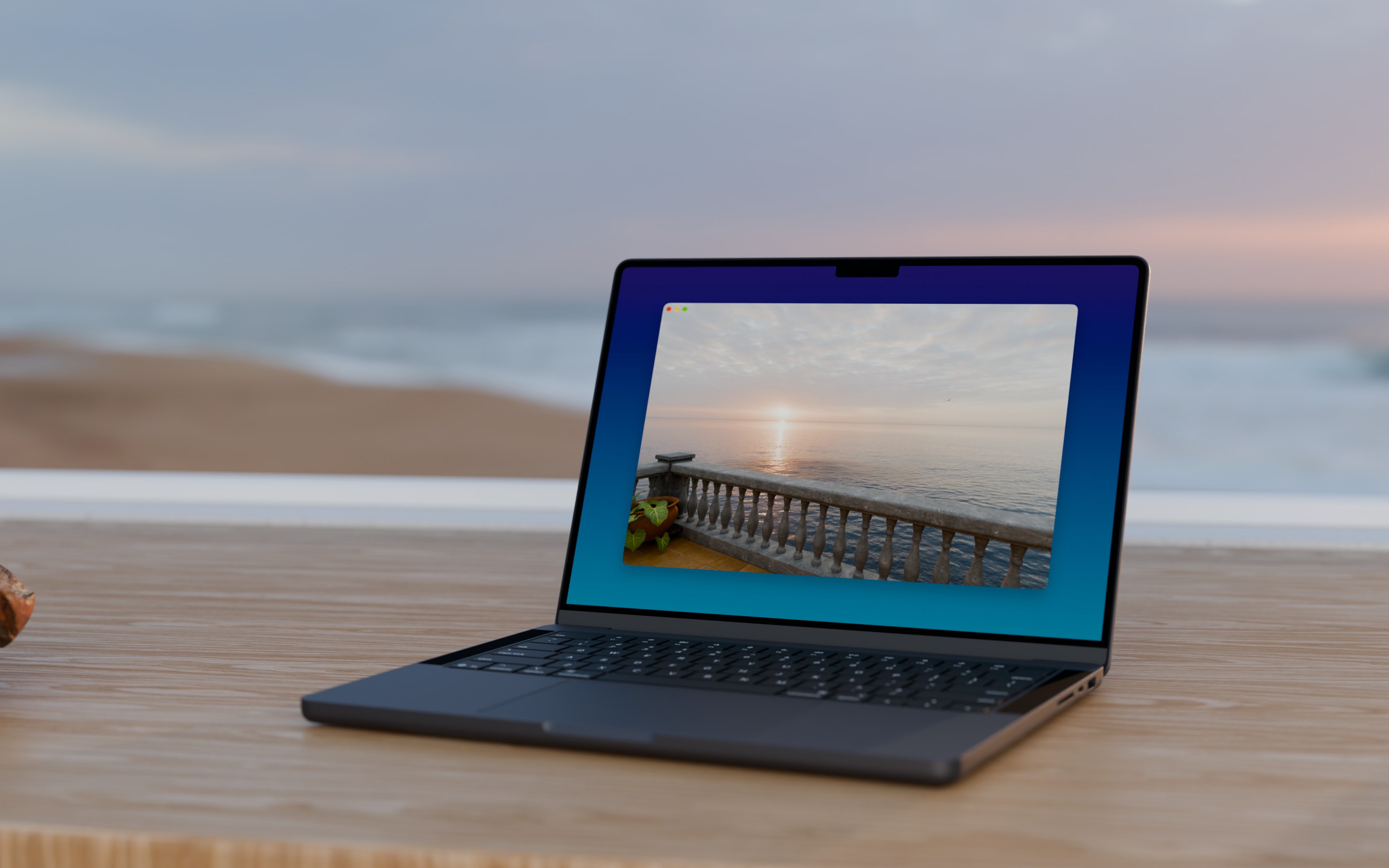
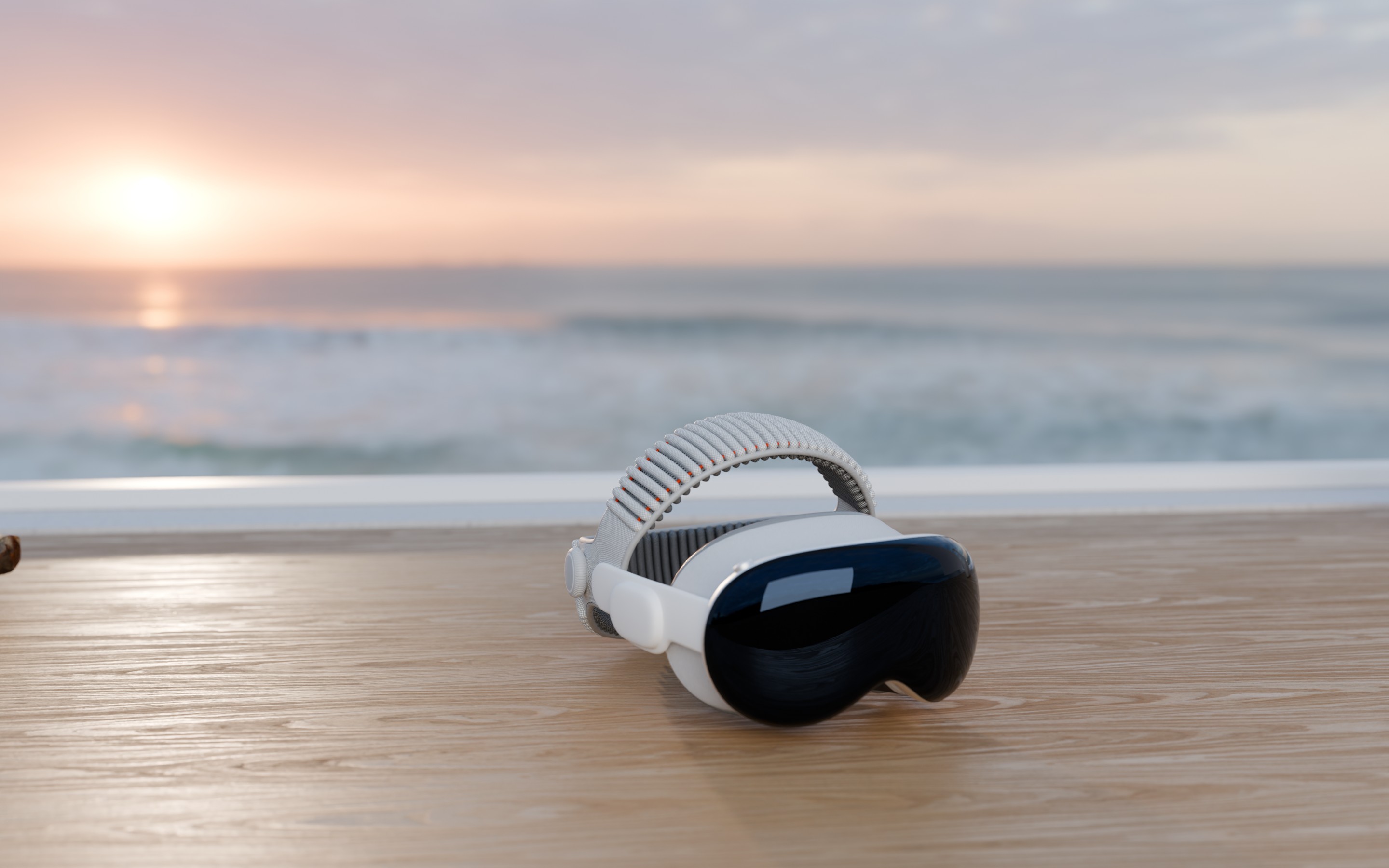
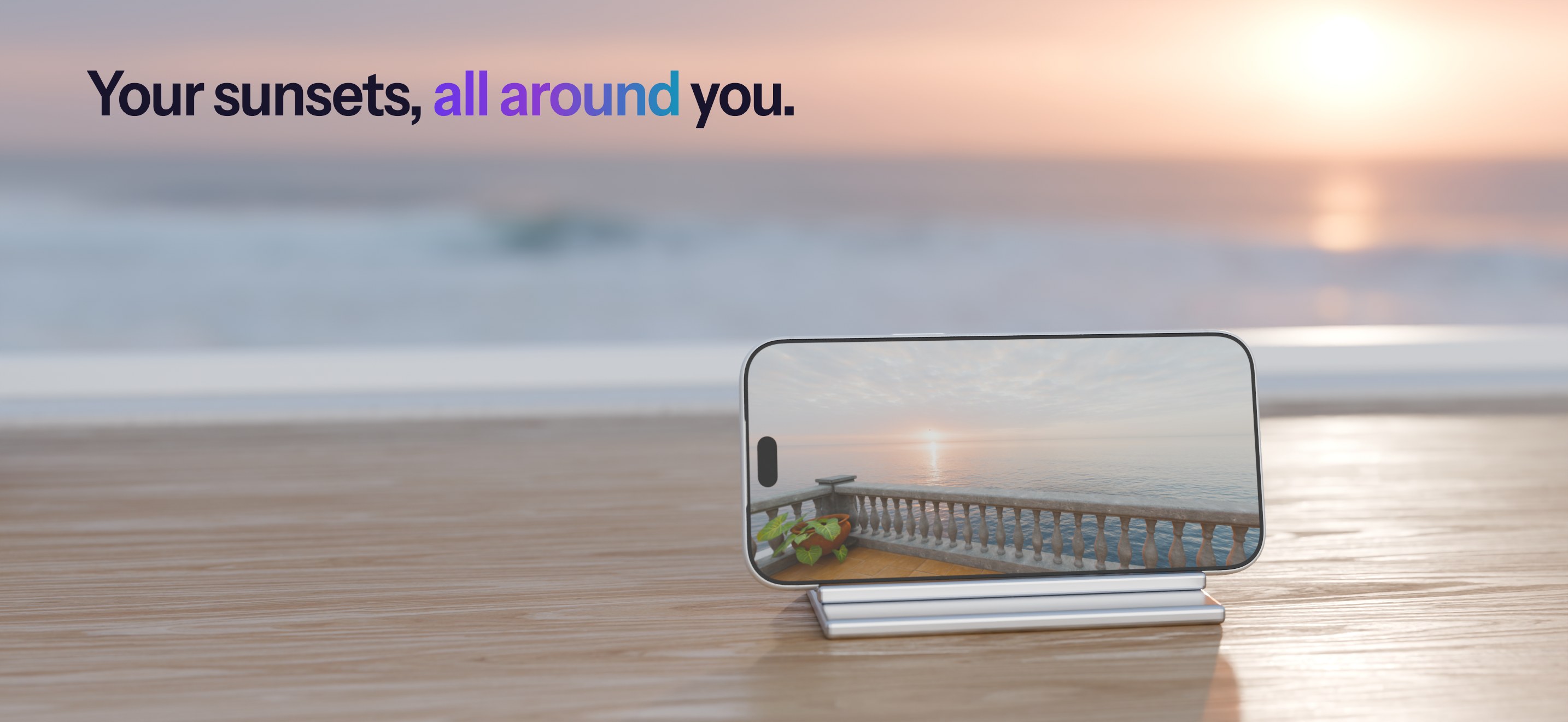
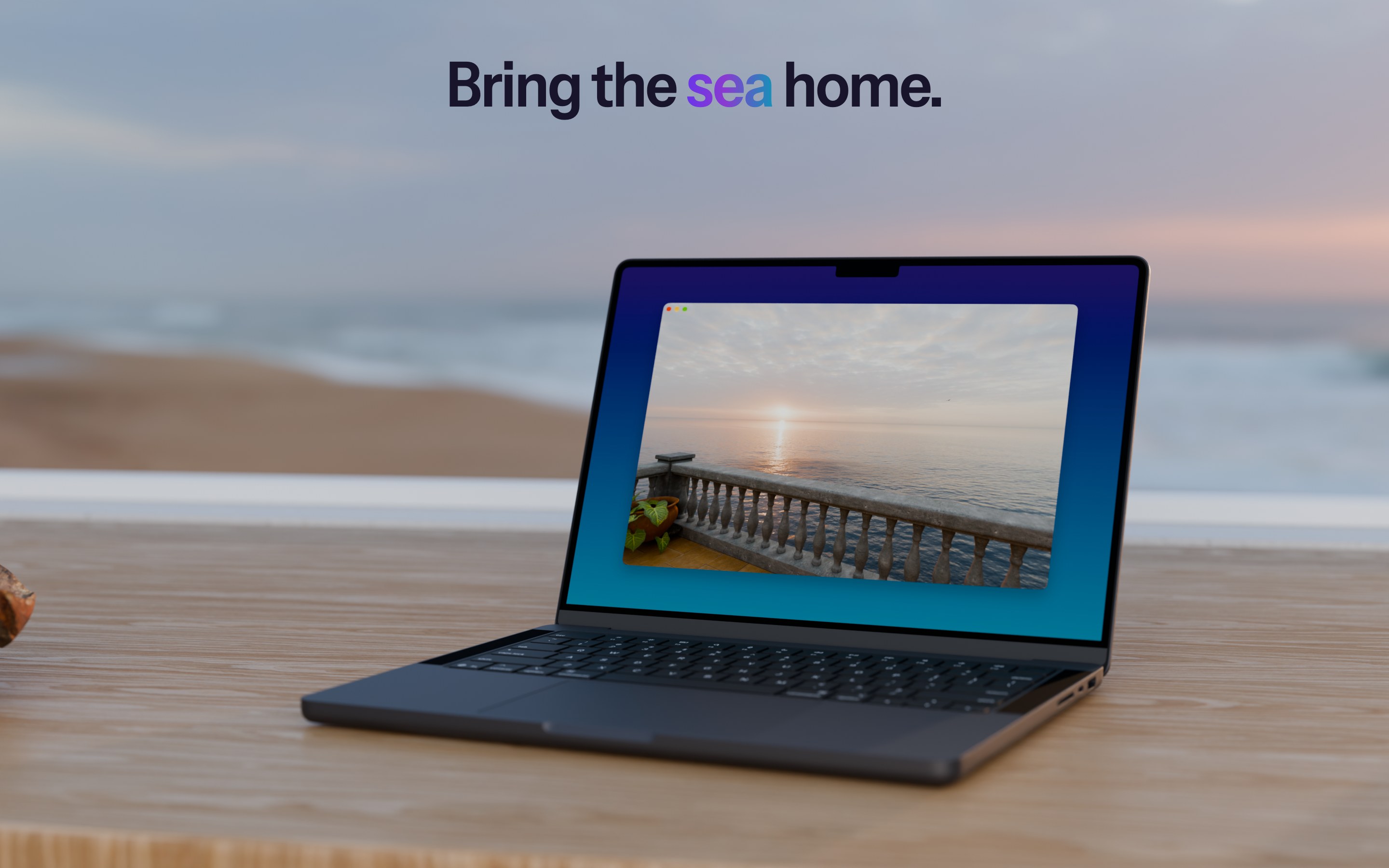
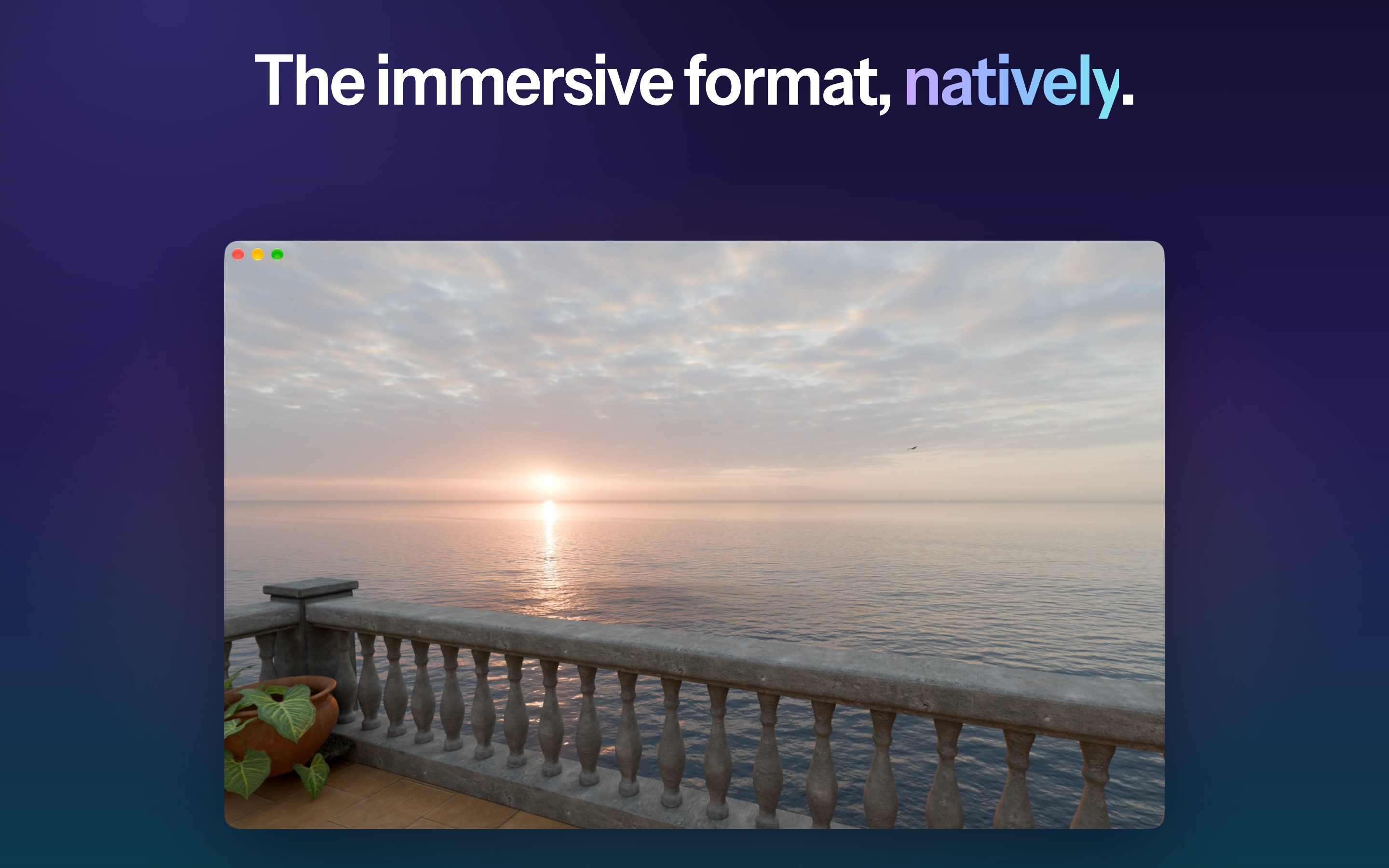
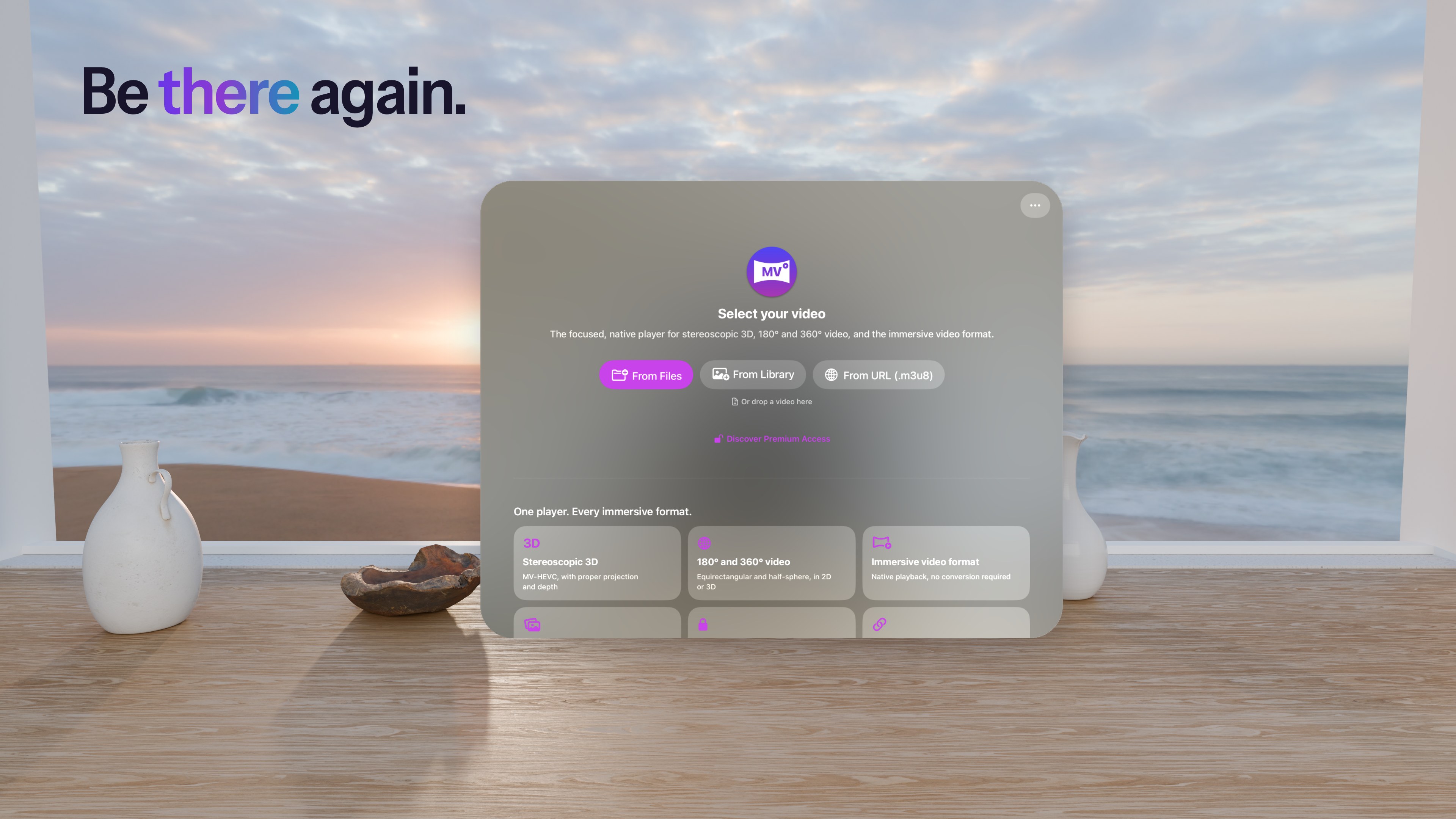
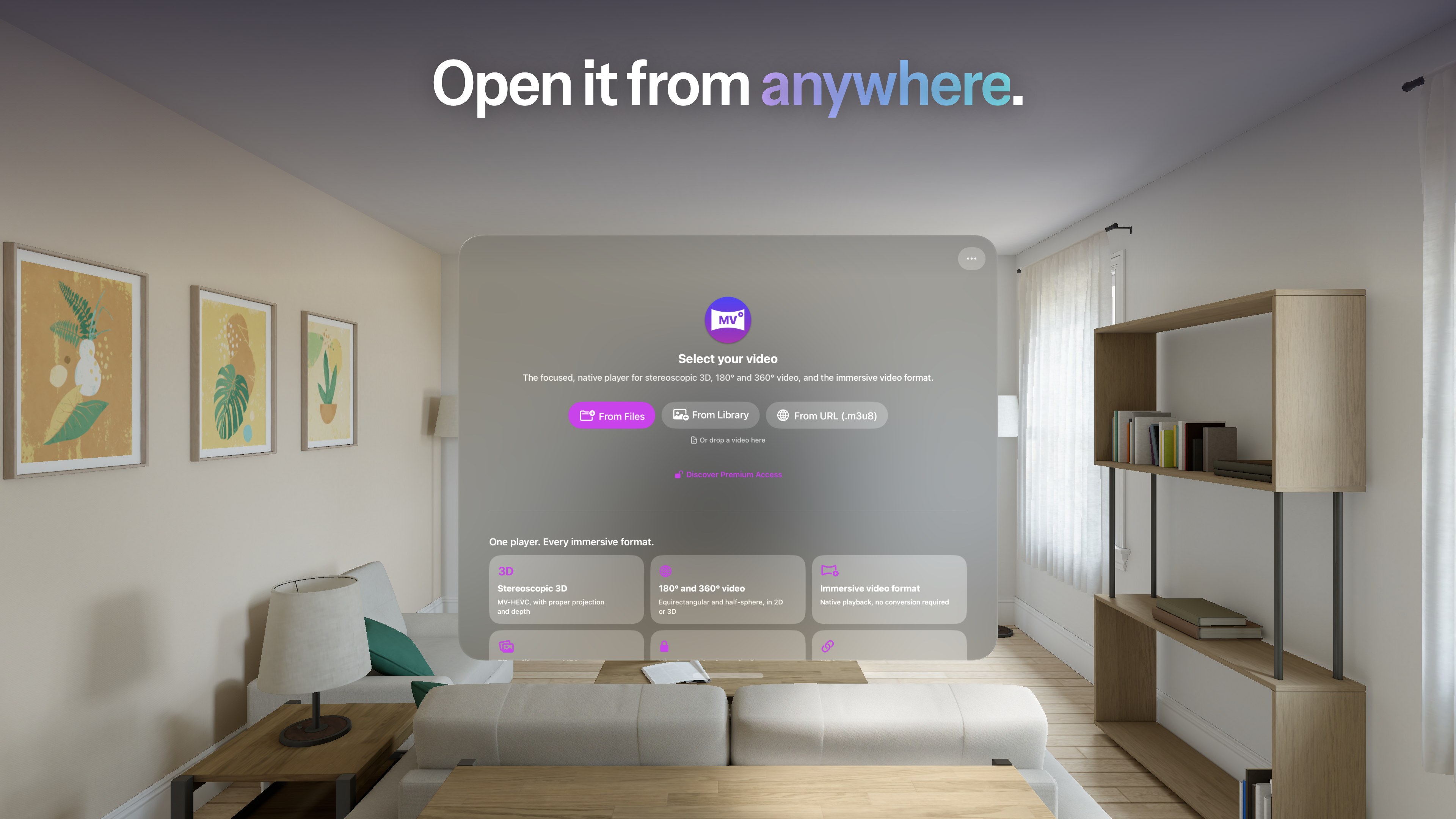
Rendered scenes of MVPlayer on each device, playing the same sunset over the sea.
Screenshots

Every device, as on the App Store.

The App Store sets for version 3.2.0, in English.

iPhone 6.9-inch display

iPhone Duo inner and cover displays

iPad 13-inch display

Mac 2880 × 1800

Apple Vision Pro 3840 × 2160

The film

One sunset. Every screen.

MVPlayer’s presentation film: the terrace video on iPhone, iPhone Duo, iPad and Mac, then in full immersion on Apple Vision Pro. 1920 × 1080, 30 fps, with the terrace’s own sound.

App previews

See it play.

The App Store previews for version 3.2.0, with sound, re-encoded for the web.

Team & contact

Get in touch.

Florent Morin

Founder of Morin Innovation. Designs and develops MVPlayer and its sister app MV Converter.

Press

Interviews, review access, or anything else for coverage: contact@mvplayer.app

Support

Questions about the app: support@mvplayer.app