
Native stereoscopic playback
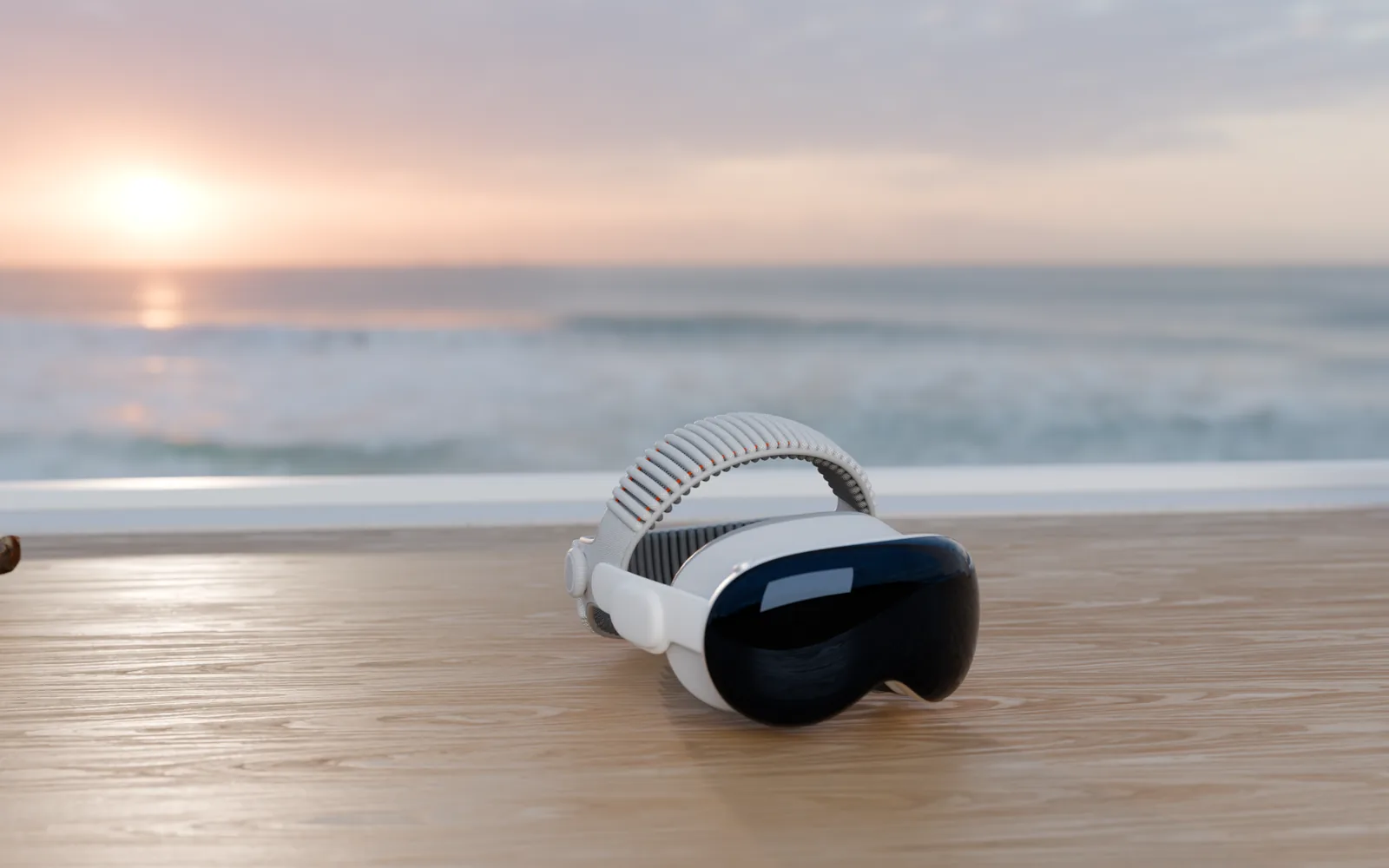
Full MV-HEVC stereoscopic playback with proper projection and depth, natively on Apple Vision Pro.
MVPlayer is the focused, native player for stereoscopic 3D, 180° and 360° video, and the immersive video format, on every Apple device you own.
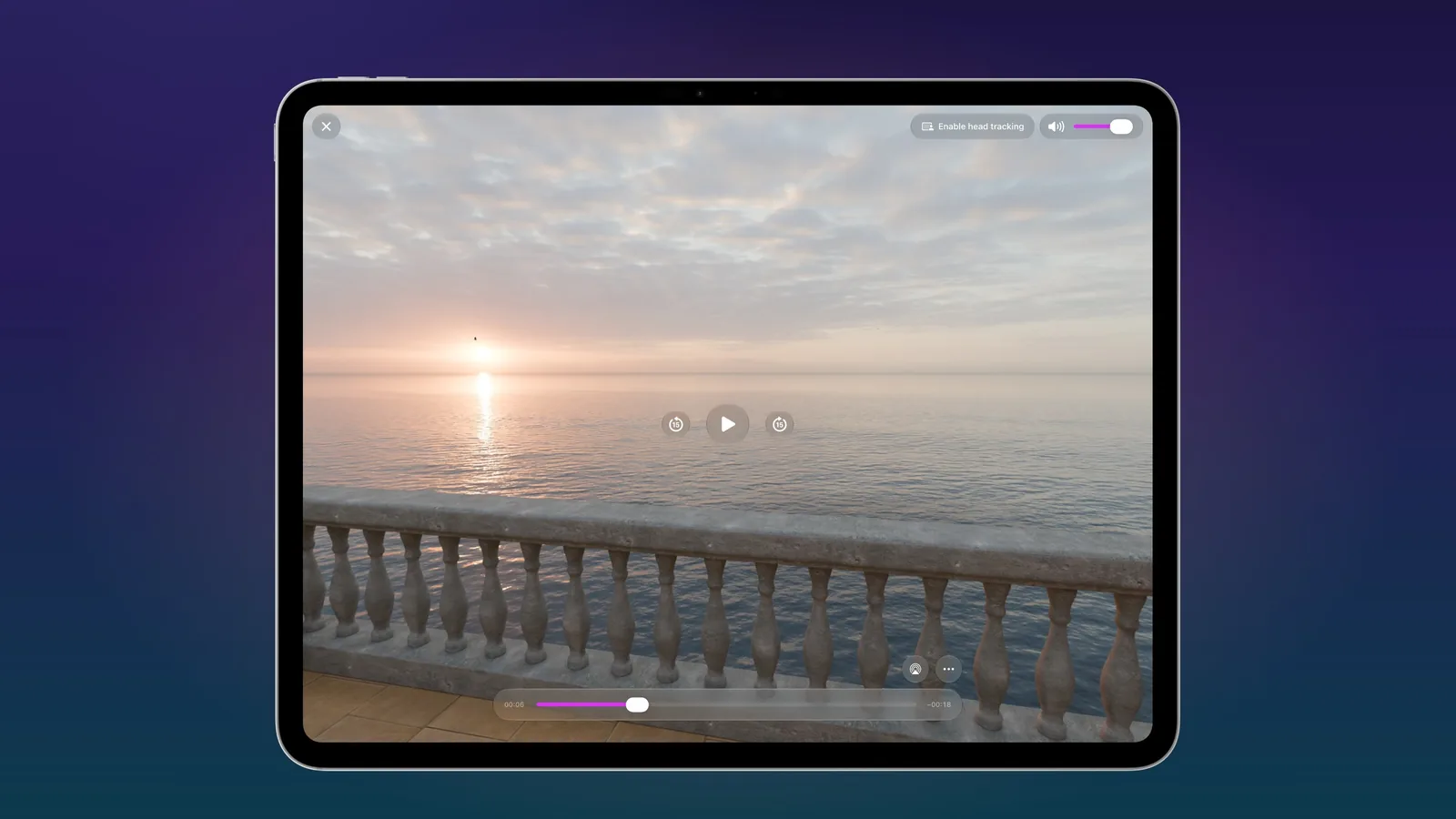
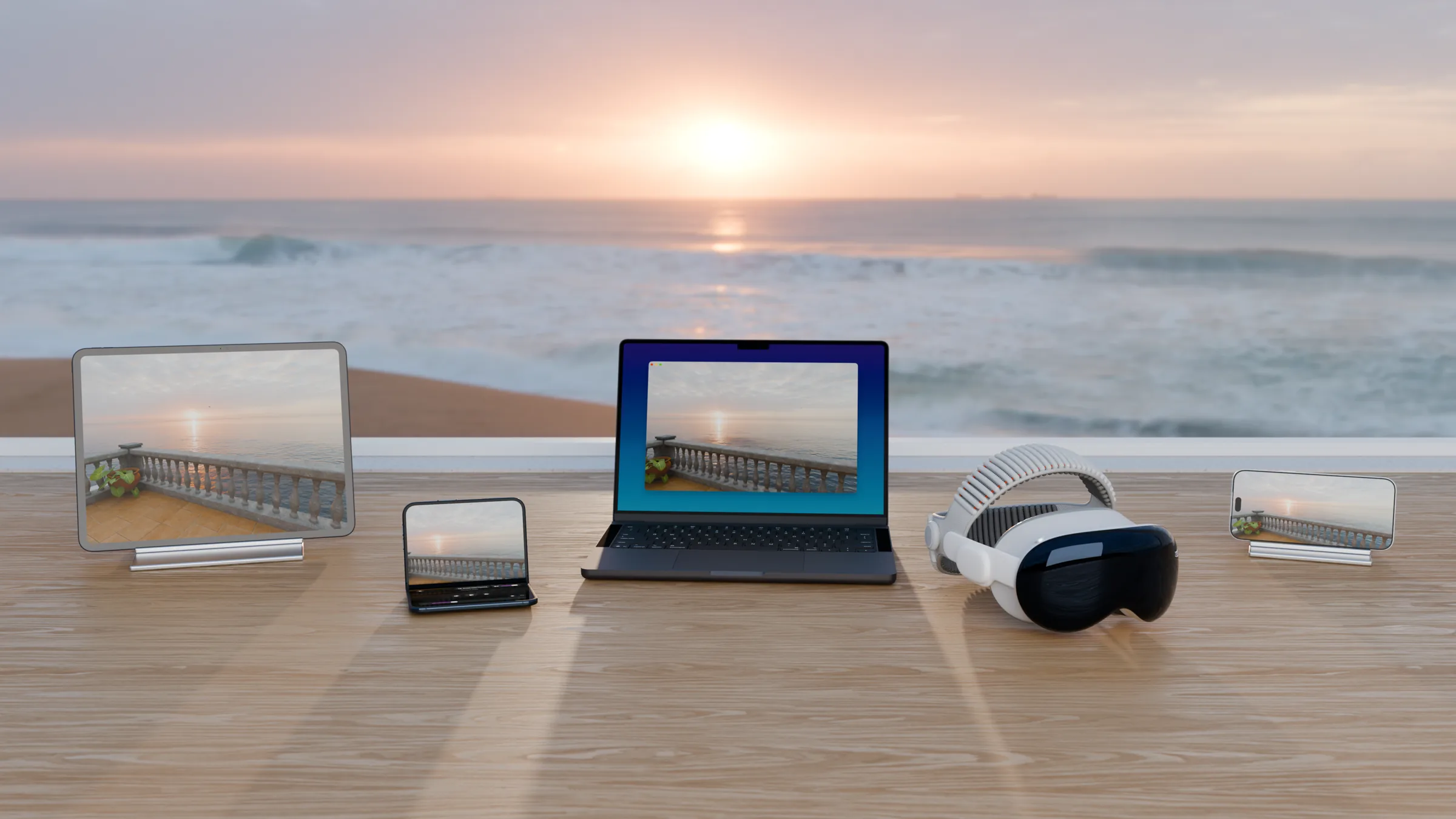 iPad
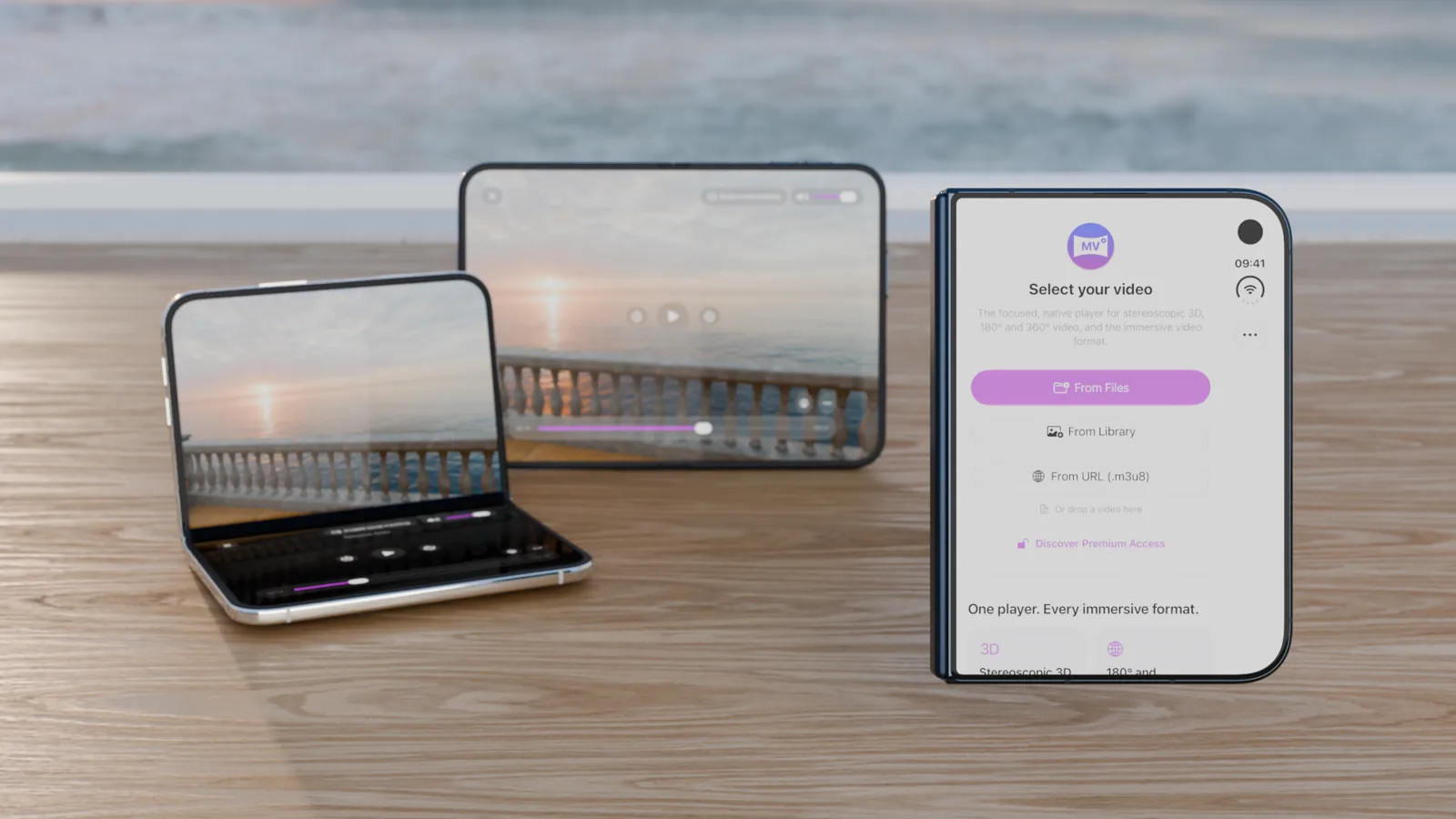
iPhone Duo
Mac
Apple Vision Pro
iPhone
The same immersive video, from the Mac on the table to full immersion on Apple Vision Pro.
With the terrace’s own sound: turn it on with the speaker button.
From flat HEVC to stereoscopic MV-HEVC, from 180° to full 360°, and the immersive video format too. Native across the entire Apple lineup.
Full MV-HEVC stereoscopic playback with proper projection and depth, natively on Apple Vision Pro.
Equirectangular and half-sphere immersive video, in flat 2D (HEVC) or stereoscopic 3D (MV-HEVC).
Native playback of the immersive video container: no conversion required. Just open and play.
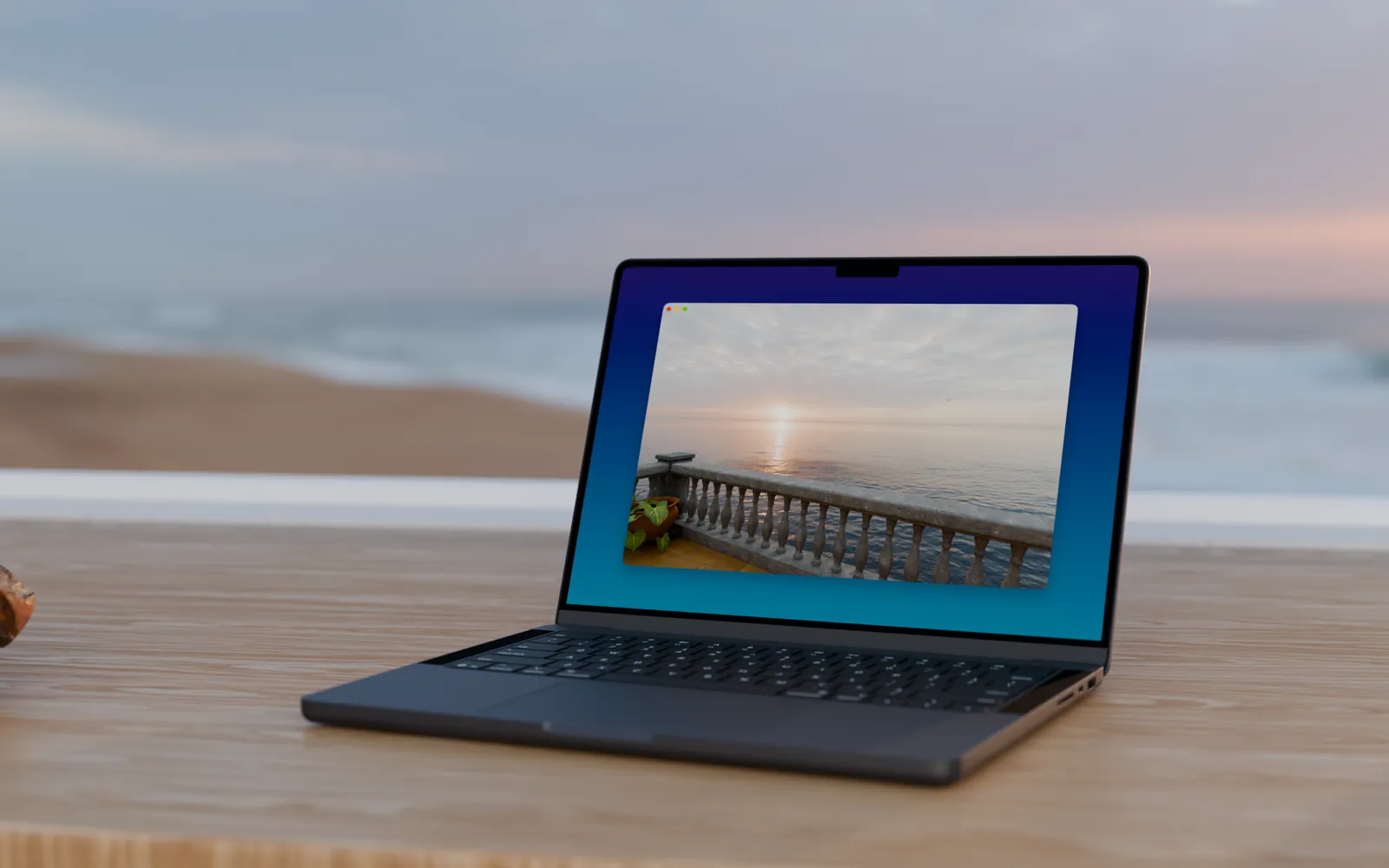
Open from Files, your Photos library, or any HTTP/HLS streaming URL. On the Mac, just drop a video on the window.
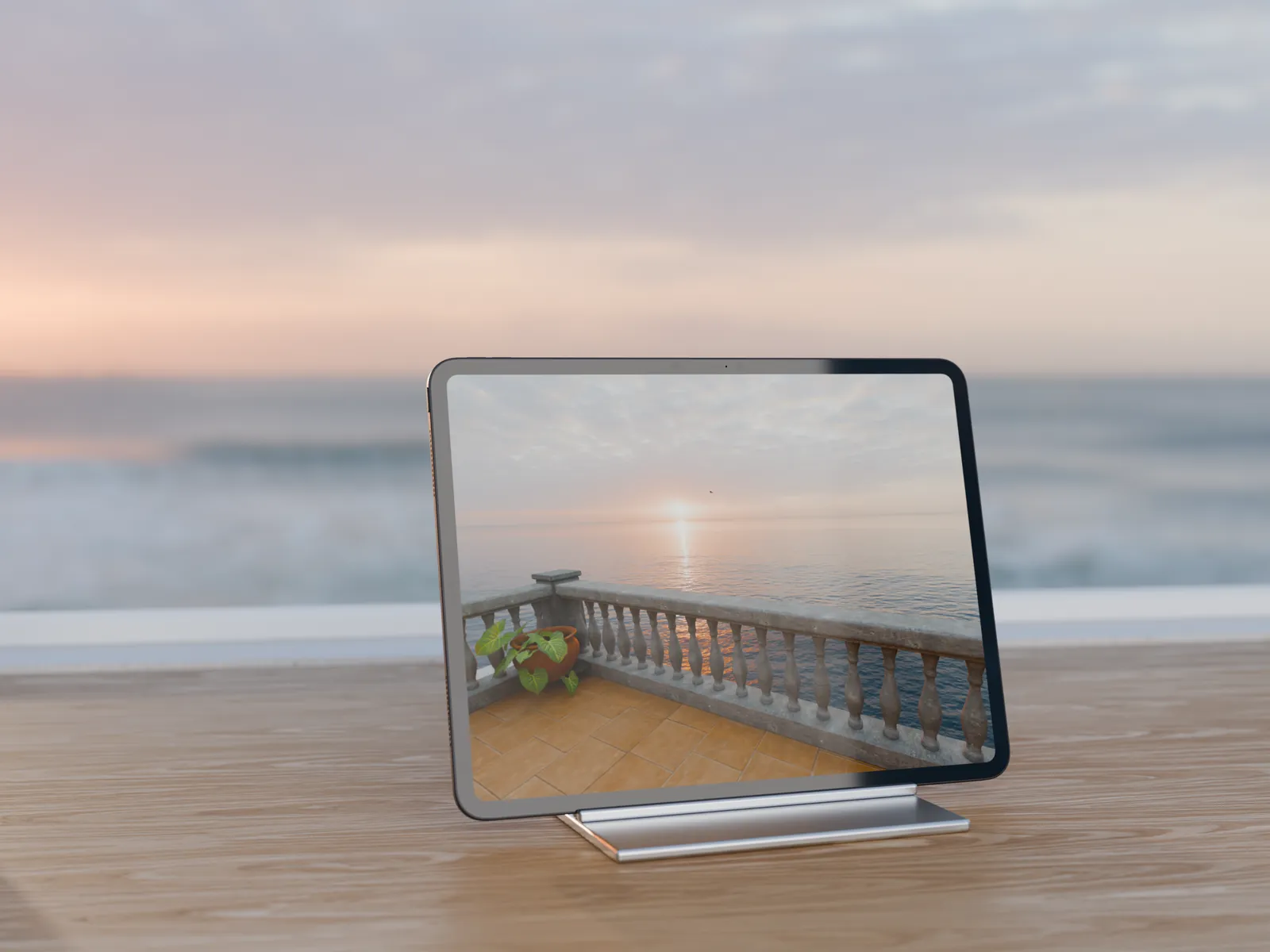
A modern translucent design laid out like the system player, with AirPlay and Picture in Picture one tap away. Drag to look around.
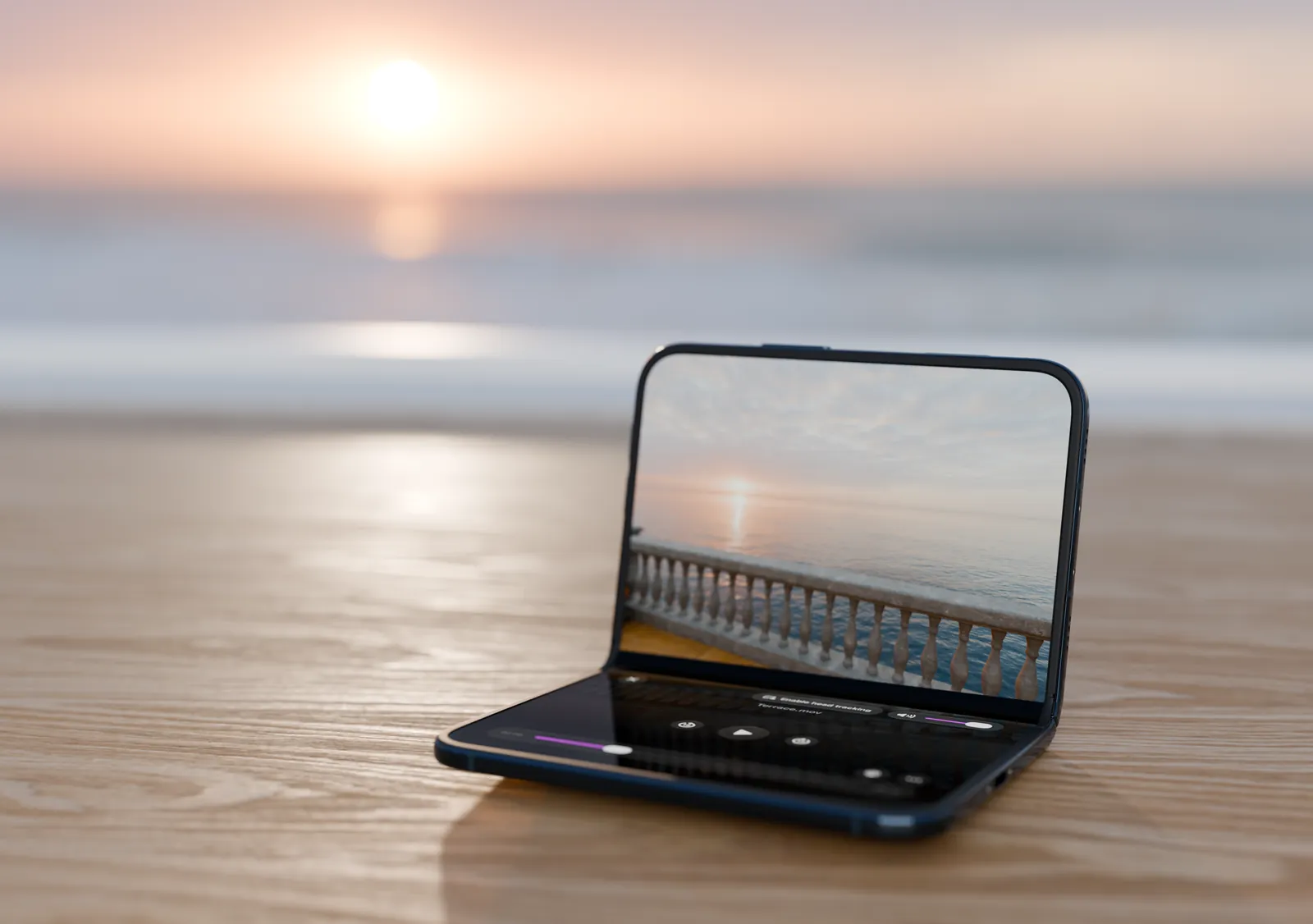
Fold it like a laptop and your video reflects on the controls below. Hold it like a book, or close it and keep watching on the cover display.
Lock the screen with a password so your event and trade-show demos can’t be exited or tampered with. Full Access
On iPhone, iPad and Mac, a playful head-tracking experience while attendees wait for the headset. Full Access
Open a video from any link with the mvplayer://
x-callback-url scheme.

MVPlayer 4.0 turns a 360° video into a panorama, a tiny planet or a crystal ball, lets immersive video live in a window on Apple Vision Pro, and plays every common 3D layout. Try it today on TestFlight.
Lay a 180° or 360° video out four ways, and zoom out to a 180° wide view. On Apple Vision Pro, hold a crystal ball in your room, set a tiny planet on the floor or stand before a curved panorama. Full Access
On Apple Vision Pro, collapse an immersive video into a window, keep other apps beside it, then expand it back around you, right where you left it, with its sound and subtitles.
Side by side and over-under, full or half resolution, row-interleaved from passive 3D displays, and fisheye lenses. A video that doesn’t say how to show it opens a format sheet, adjustable as it plays.
Pick subtitles and audio tracks in every player, drawn in your system caption style. MVPlayer remembers your language for the next video.
A pro view of the video: codec and profile, HDR and spatial metadata, bitrates and keyframes, dropped frames and GPU time. Copy the report, or save the frame on screen as a PNG up to 4,096 pixels.
Play a capture card or a camera plugged in over USB-C, live with its sound, flat or on the sphere. On Mac, iPad and Apple Vision Pro, through the Developer Strap. Full Access
Beyond HLS, play .mov and .mp4 files straight from an HTTP(S) link, the immersive video format included.
On iPhone, iPad and Mac, a new Metal renderer plays the immersive video format through its own lens, at the brightness it was graded for.
Each video shows what it brings, High Fidelity or High Compatibility, and MVPlayer suggests MV Converter when a video can be converted, beside MV Experience.
The public beta runs on TestFlight, on iPhone, iPhone Duo, iPad, Mac and Apple Vision Pro. Open the invitation on your device, install it with the TestFlight app, and send us your feedback from there.
Beta builds may still have rough edges. The App Store keeps version 3.2 until 4.0 is released. In a TestFlight build, purchases are free tests and don’t carry over to the App Store version.
A player redrawn from the ground up on every device, and a new way to watch on iPhone Duo: fold it, open it, or close it.
One free app for every Apple device, and every common immersive video format.
Playback is free, forever. Premium features unlock with a single one-time purchase: no subscription, ever.
All playback features. No ads. No tracking.
One-time purchase · billed via your App Store account.
Join the public beta on TestFlight. Open the link on your iPhone, iPad, Mac or Apple Vision Pro and install the beta with Apple’s TestFlight app. It brings the Panorama, Tiny Planet and Crystal Ball view modes, immersive video in a window on Apple Vision Pro, side-by-side, over-under and fisheye video, subtitles and soundtracks, the inspector and live USB-C capture.
Version 3.2 stays on the App Store until 4.0 is released.
MVPlayer runs natively on iPhone and iPhone Duo (iOS 26 or later), iPad (iPadOS 26 or later), Mac with Apple silicon (macOS 26 or later) and Apple Vision Pro (visionOS 26 or later). One free download covers them all.
Fold it like a laptop: the video stays upright and the controls move to the half lying flat, over a reflection of your video. The more you close it, the further the reflection reaches.
Hold it like a book and the video spans both pages, with a controller on each. Close it and keep watching on the cover display.
2D HEVC and 3D MV-HEVC (stereoscopic, on Apple Vision Pro), in flat, 180° and 360° equirectangular projections. It also reads the immersive video format natively.
Files can come from your Files app, your Photos library, or any HTTP/HLS streaming URL.
Yes. Every playback feature is free with no ads and no tracking. Premium features (kiosk lock, head tracking) include a 20-second trial; a one-time $4.99 Full Access in-app purchase removes the trial limit forever, with no subscription.
Use the mvplayer:// URL scheme with an
x-callback-url /open action and a URL-encoded
url parameter.
Example: mvplayer://x-callback-url/open?url=…
opens any HLS sample stream directly in MVPlayer.
If you have flat 3D, 360° or HDR footage to convert into the immersive video format, check out our sister app MV Converter for the Mac.
No. The website sets no cookies and runs no trackers or analytics. The app itself doesn’t access user data beyond what the App Store provides for sales reporting. See the Terms & Conditions and Privacy Policy for details.

Download MVPlayer free on the App Store and play your first immersive video in seconds.
Download on the App Store